Computer Vision Pick-and-Place: Your Robot Arm Finds, Grasps and Moves Objects (Part 4)

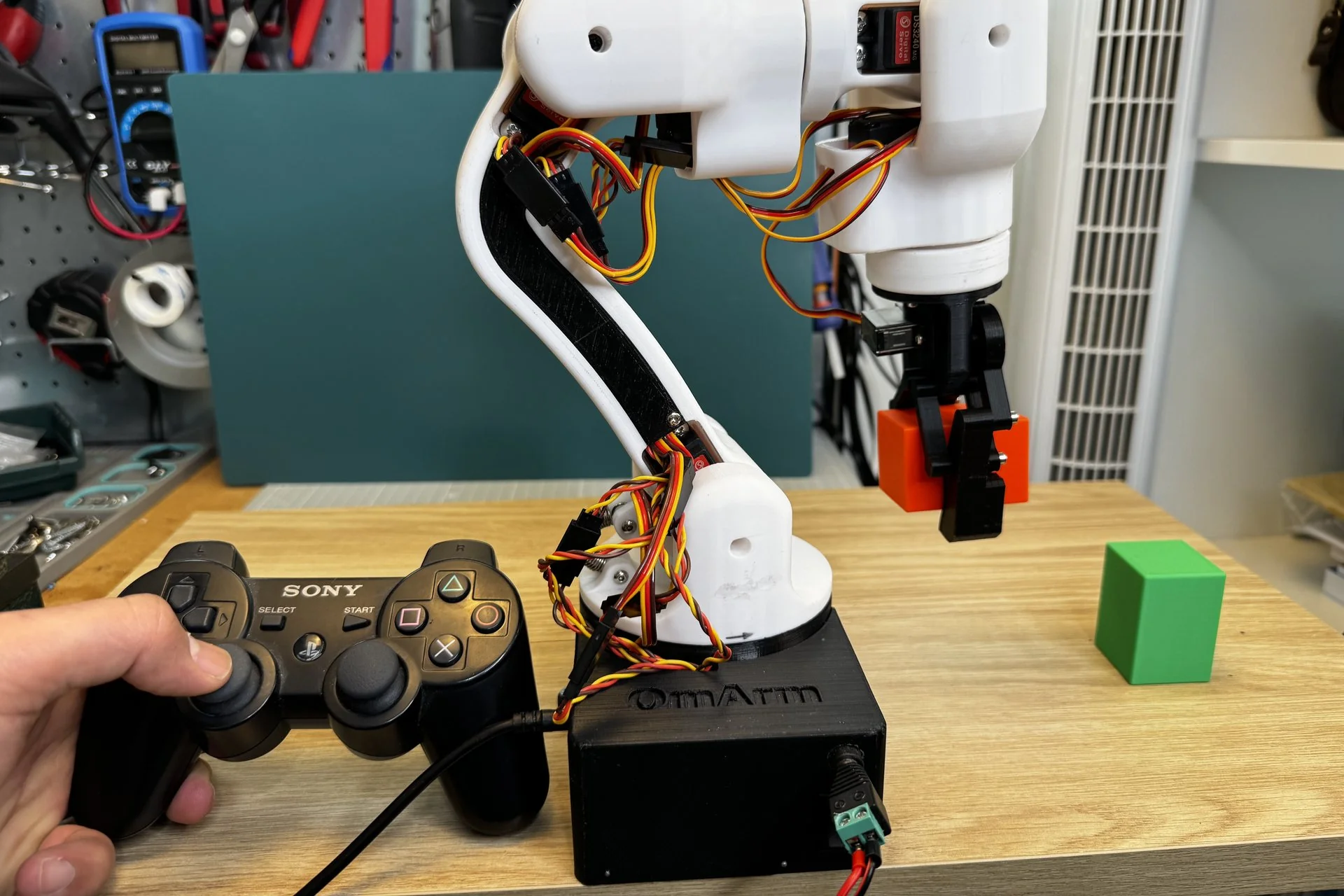
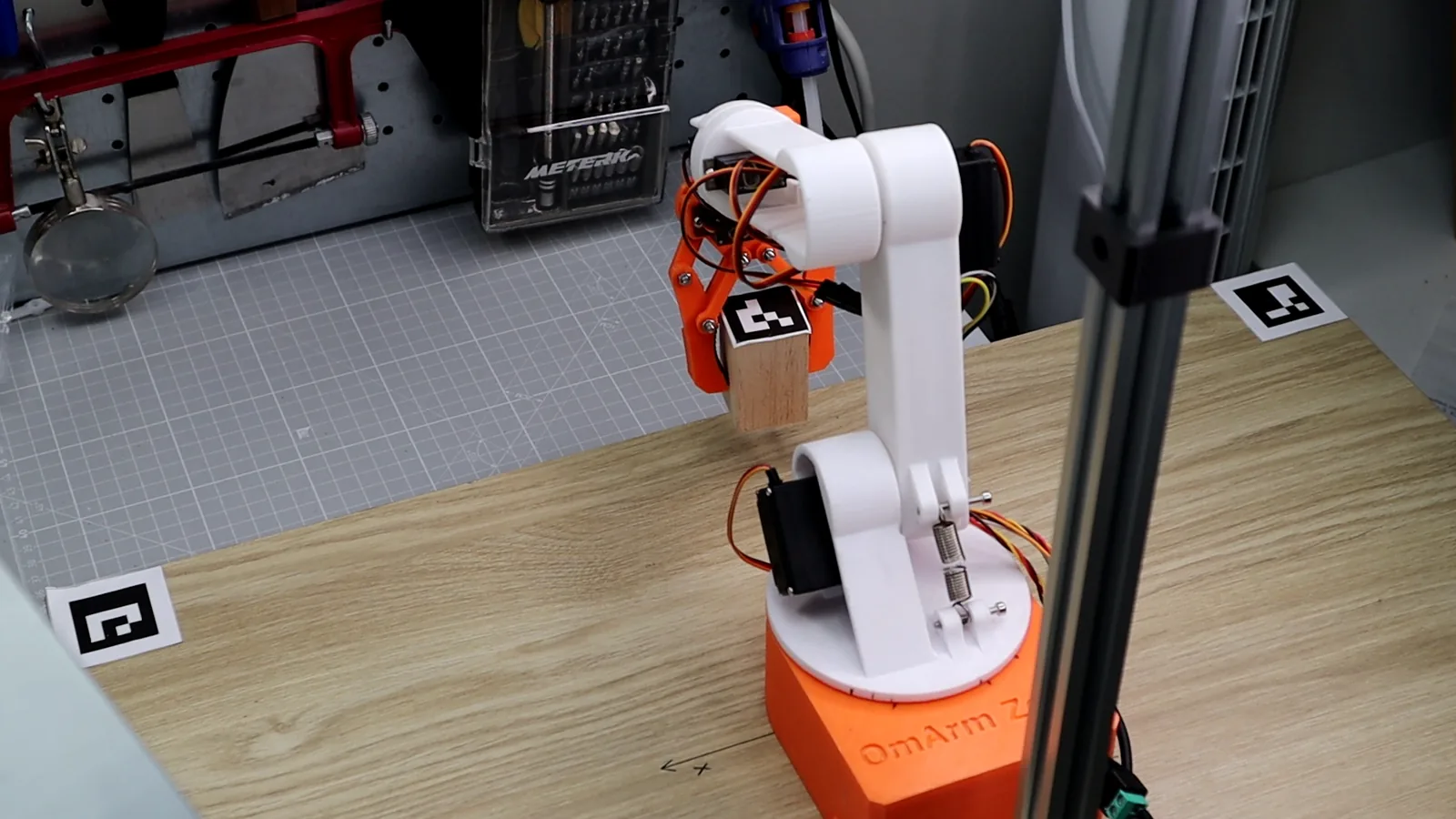
OmArm Zero grasping a marked cube on the table with overhead camera and ArUco markers

OmArm Zero Series Part 1: Build the arm and ESP32 web control · Part 2: URDF, RViz and Gazebo · Part 3: MoveIt 2 and real robot · Part 4: Computer vision pick-and-place (this post) At a glance What you’ll build: A complete vision-guided pick-and-place pipeline for the OmArm Zero. You’ll calibrate a USB camera, … Read more

MoveIt 2 Tutorial: Motion Planning and Real Robot Control for a 6-DOF Arm

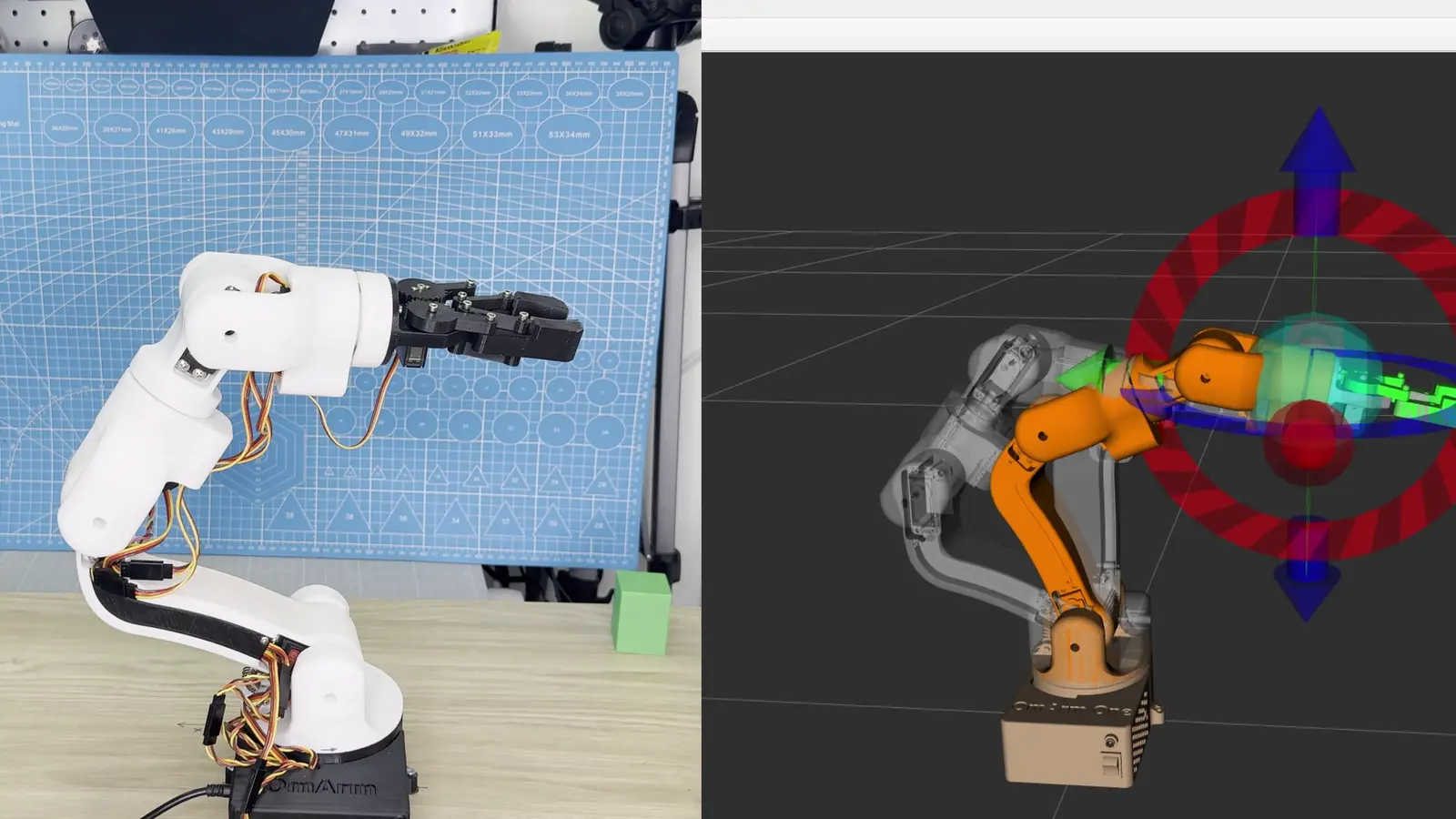
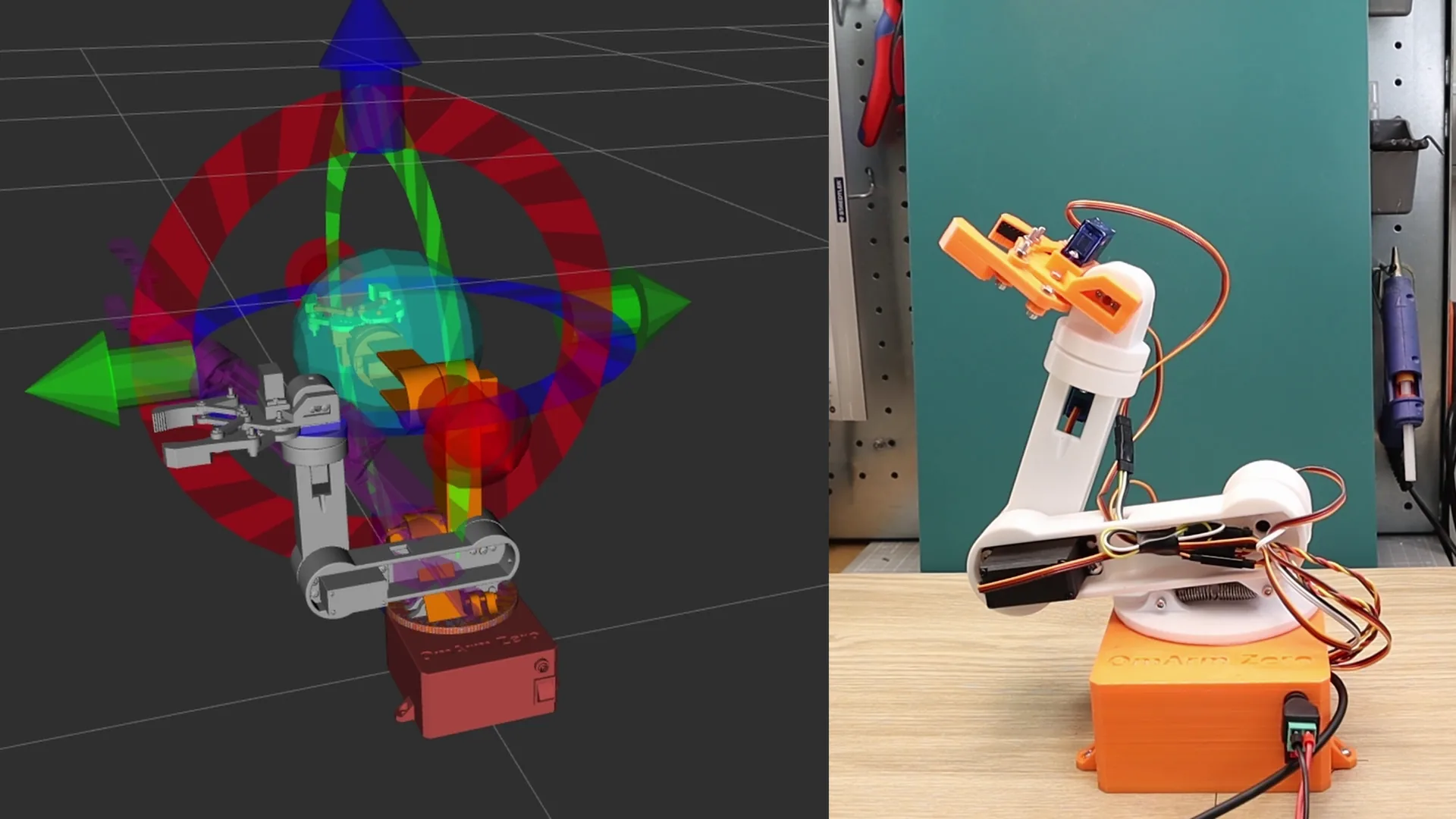
OmArm Zero robot arm with MoveIt 2 motion planning visualization in RViz

OmArm Zero Series Part 1: Build · Part 2: URDF + RViz + Gazebo · Part 3: MoveIt 2 (this post) · Part 4: Computer Vision Pick-and-Place ▶ At a glance What you’ll build: A fully configured MoveIt 2 setup for the OmArm Zero robot arm. You’ll go from understanding inverse kinematics to planning collision-free … Read more

ROS 2 URDF Tutorial: Visualize and Simulate a Robot Arm in RViz and Gazebo

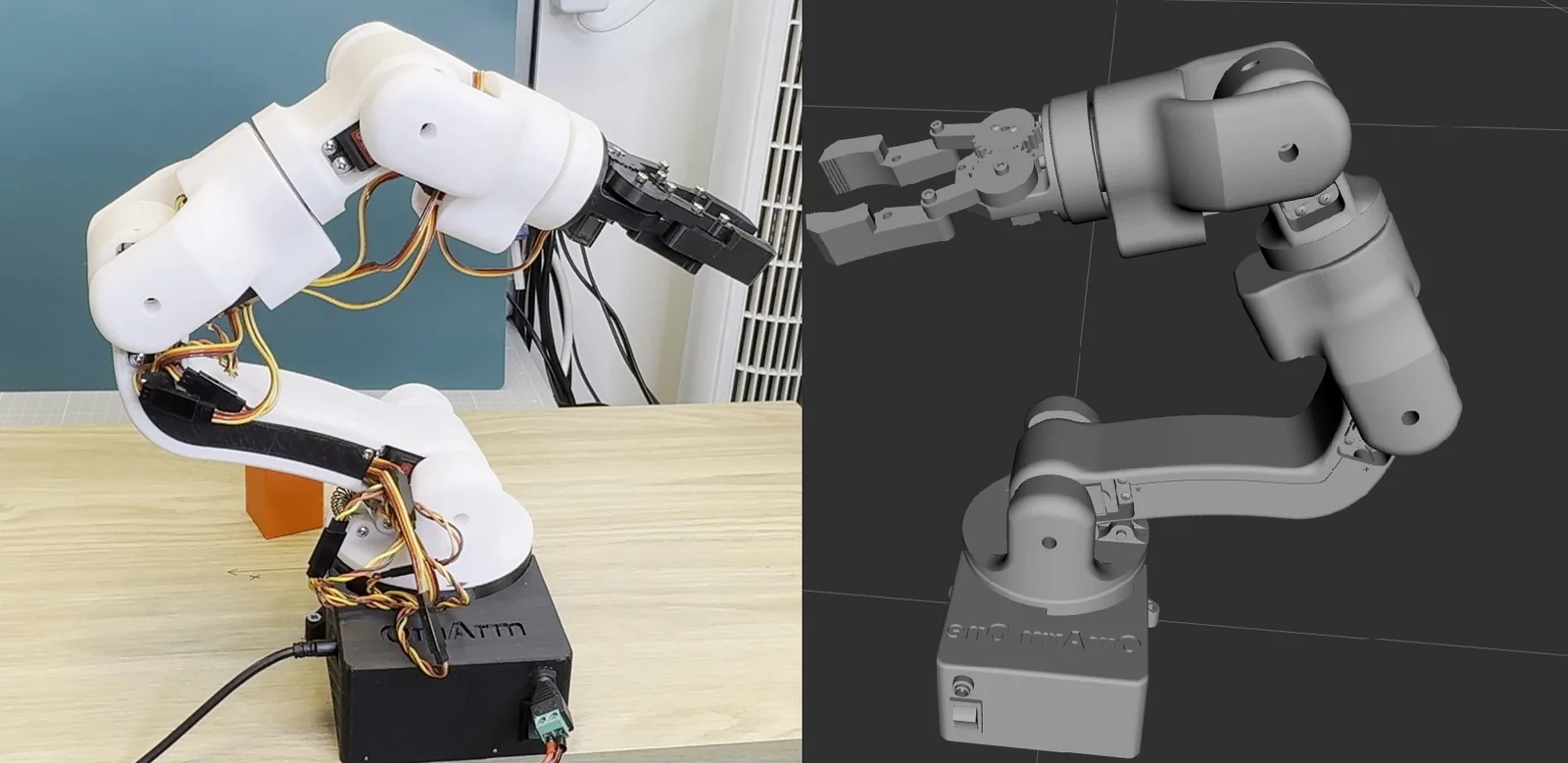
▶ At a glance What you’ll build: A complete digital twin of a 6-DOF robot arm (the OmArm Zero) using URDF/Xacro, RViz, and Gazebo Harmonic. You’ll go from an empty workspace to a simulated arm that responds to joint trajectory commands with full physics. Prerequisites: Any URDF-compatible robot arm or the OmArm Zero from Part … Read more

OmArm Zero: Build a 6-DOF (5+1 Gripper) Robotic Arm with ESP32 Web Control

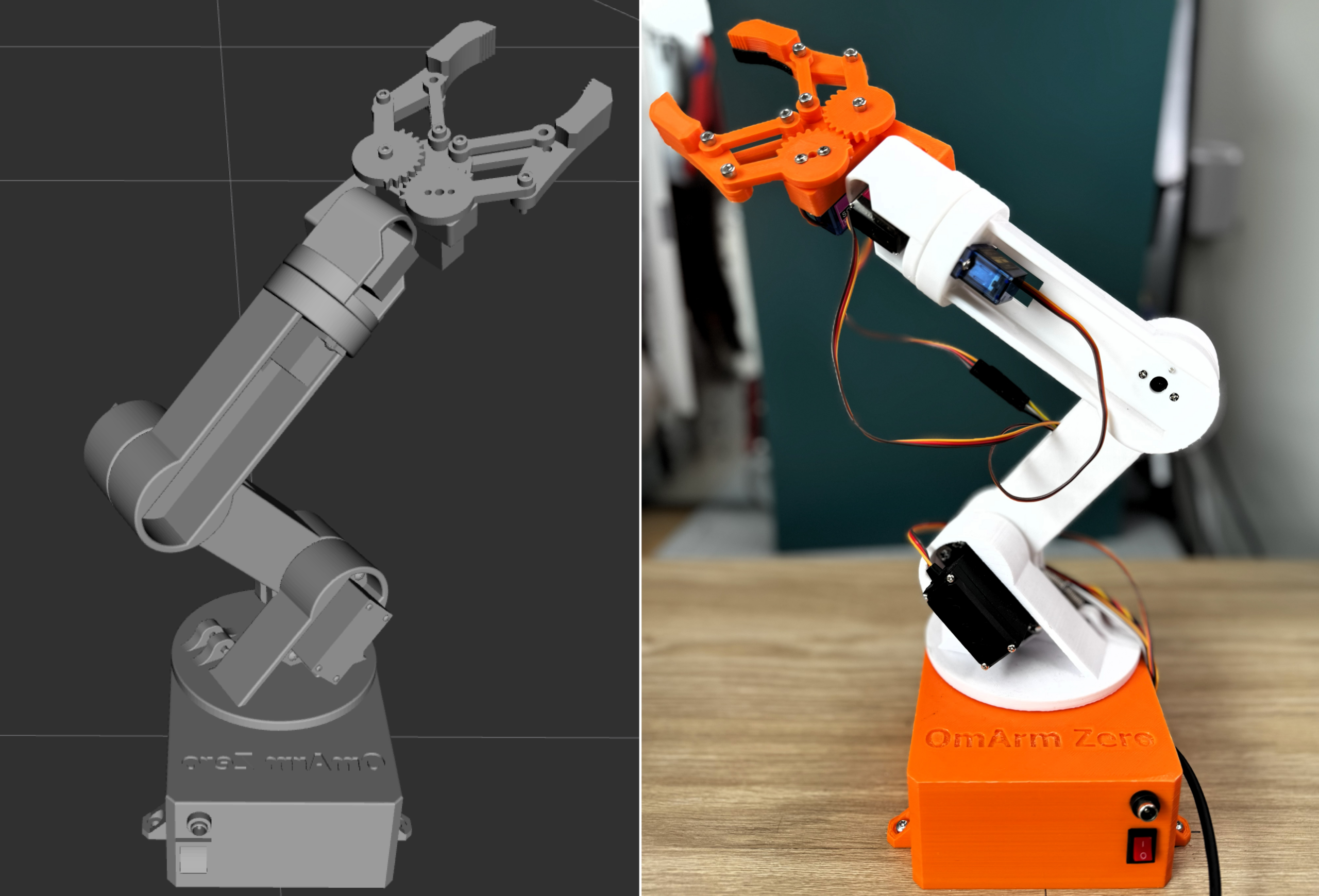
OmArm Zero ESP32 robotic arm with browser-based web control interface

Build OmArm Zero, a 6-DOF (5+1 gripper) robotic arm with ESP32 WiFi control. Complete build guide with 3D printing files, wiring diagrams, firmware, and a browser-based control interface. 303mm reach, 150g payload, under $50.

DIY 6-DOF Robotic Arm – 3D Print, Wire & Program Step by Step

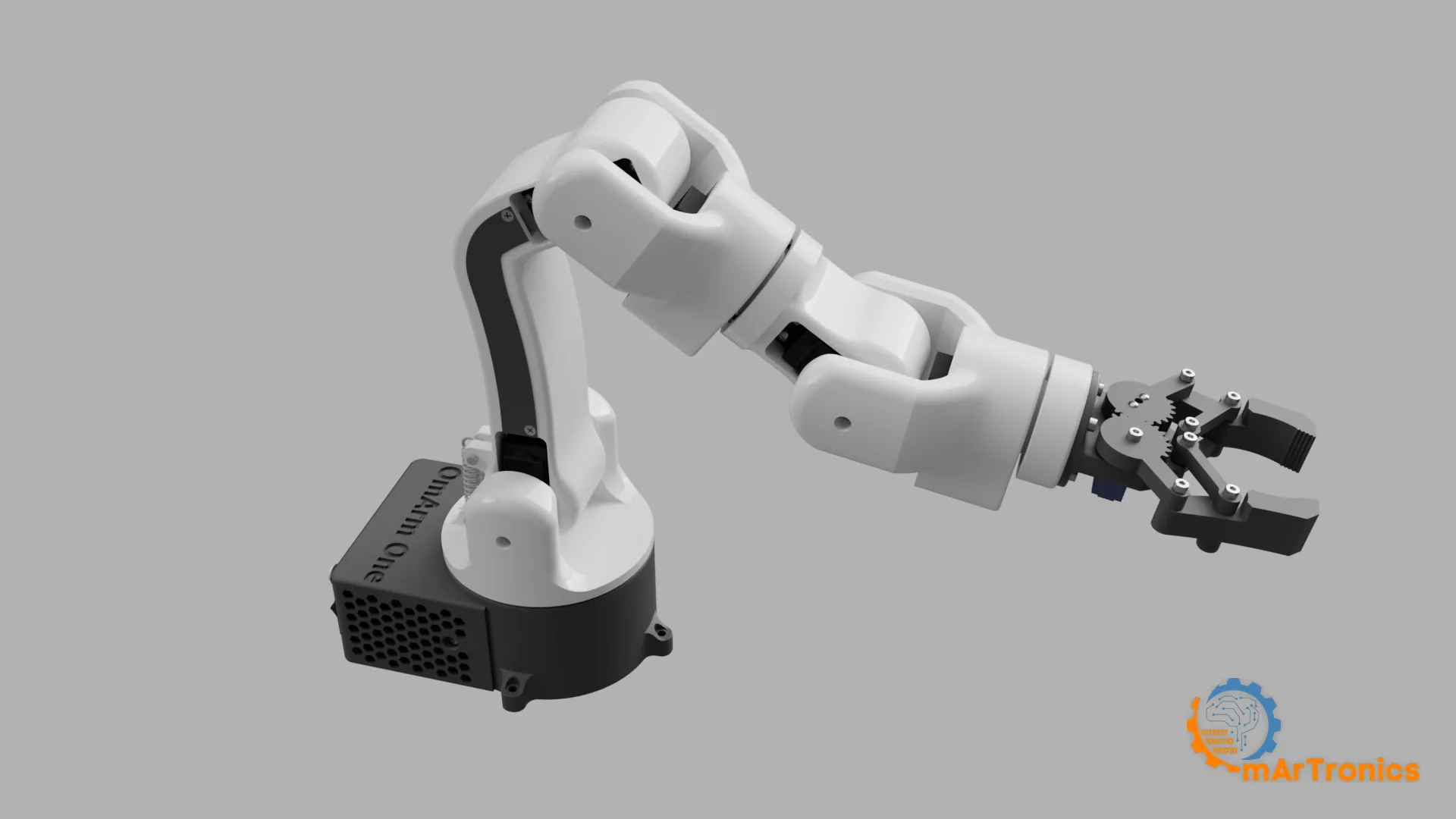
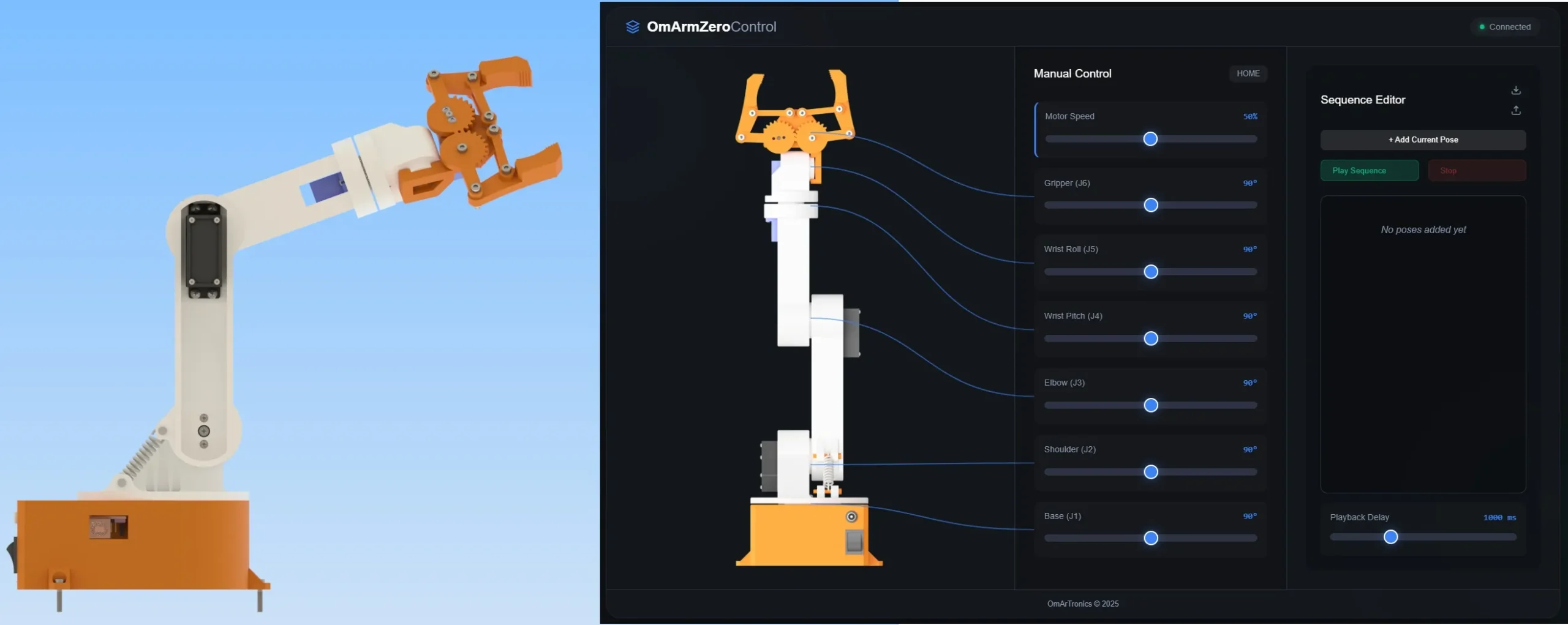
3D-Design eines 6-DOF Roboterarms mit weißem und orangefarbenem Gehäuse, ideal für DIY-Projekte in der Robotik.

📋 Quick Summary Build a complete DIY 6-DOF robotic arm from scratch using 3D-printed parts, MG996R and SG90 servo motors, an Arduino Uno, and a PCA9685 servo driver. This step-by-step guide covers the full workflow from CAD design in Autodesk Inventor through 3D printing, mechanical assembly, electronics wiring, and Arduino programming with potentiometer-based manual control. … Read more