HC-SR04 Ultrasonic Distance Sensor with ESP32: How It Works, Wiring, and a Live Web Dashboard
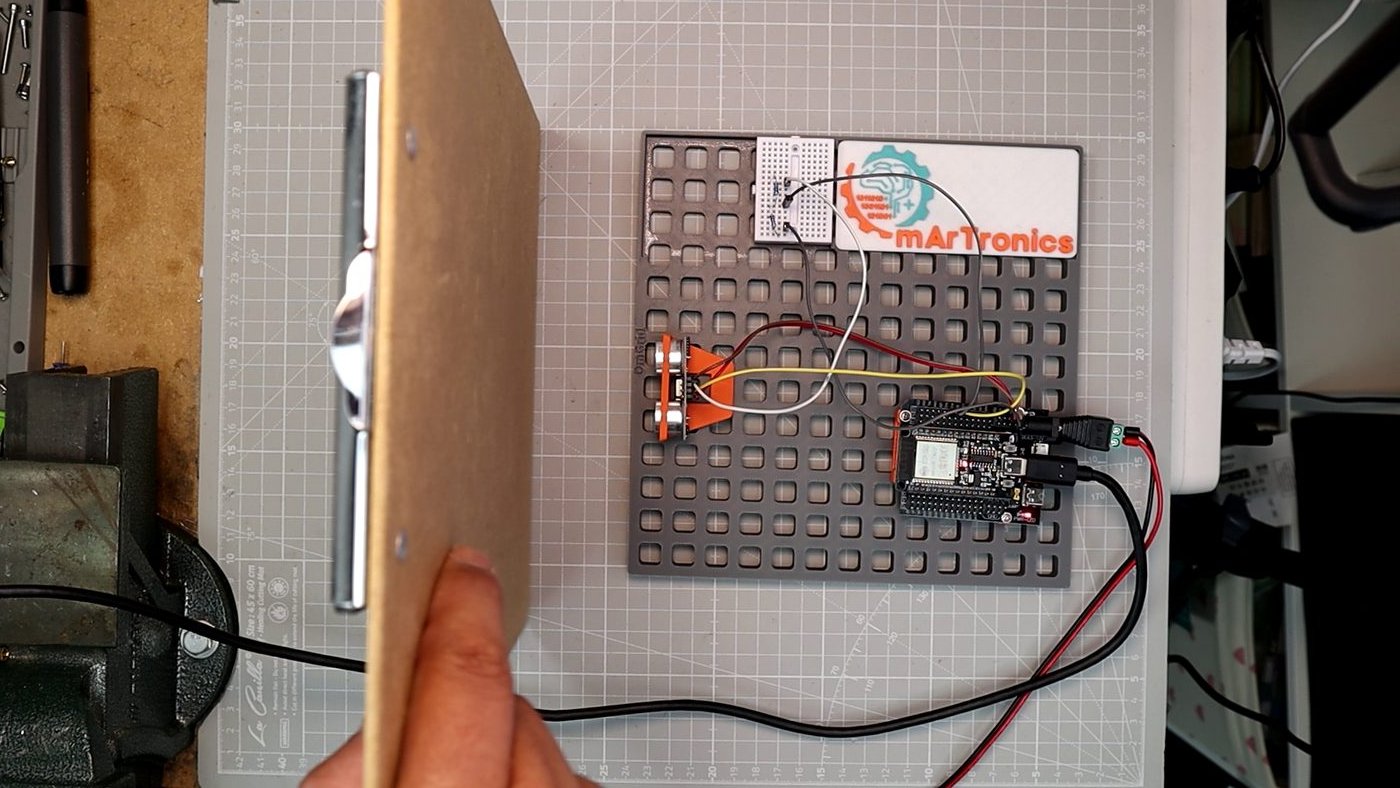
Wire an HC-SR04 to an ESP32, read distance over Serial, then serve a live dashboard from the chip in one upload. Includes measured jitter and range data.
Tutorials about the sensors and actuators I use in my Arduino and robotics builds. Each one covers wiring, code, and the stuff I ran into along the way — ultrasonic sensors, IR receivers, servos, motor drivers, and more.
Wire an HC-SR04 to an ESP32, read distance over Serial, then serve a live dashboard from the chip in one upload. Includes measured jitter and range data.
This tutorial walks through the HC-05 and HC-06 Bluetooth modules with Arduino. You’ll wire up the module, control an LED over Bluetooth, build a basic app in MIT App Inventor, and then take it further with relay-based lamp control. I also cover the common issues people run into and a few frequently asked questions.
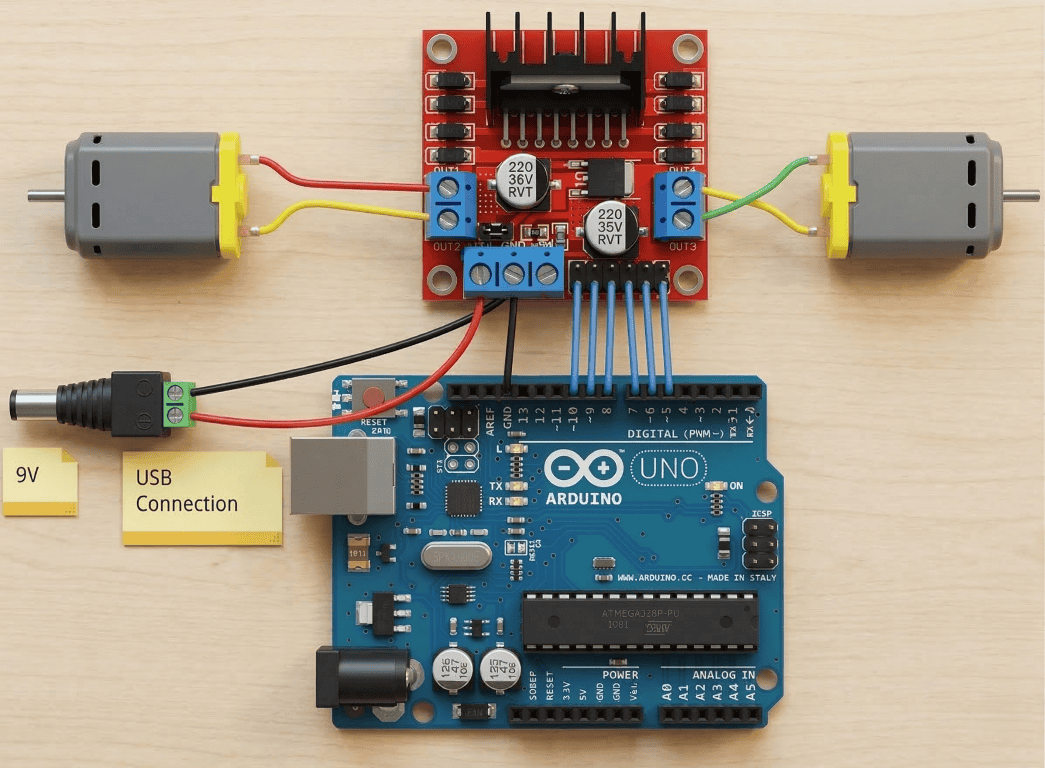
The L298N is a dual H-bridge motor driver, and it is one of the most common ways to control DC motors with an Arduino. Here I go through the pinout, how to wire it up, how PWM speed control actually works, and how to set motor direction in code. There is also a troubleshooting section for the issues that tend to come up.
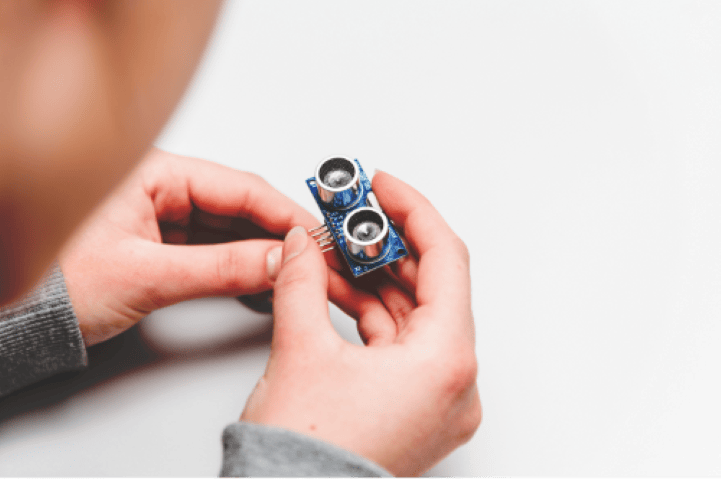
The HC-SR04 is probably the first distance sensor most people try with Arduino, and for good reason — it is cheap, simple to wire, and works well for basic projects. I explain how it measures distance using ultrasonic pulses, walk through the wiring, and include tested code you can upload right away. There are also a few project ideas and fixes for common problems.
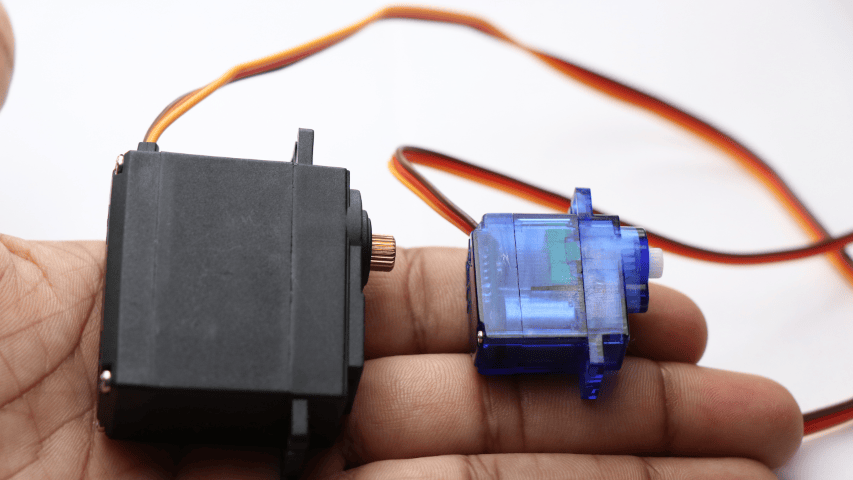
Servo motors show up in almost every Arduino project I build, so I wrote this to cover the basics in one place. It starts with the SG90 micro servo and how PWM signals control the angle, then moves to running multiple servos using a PCA9685 driver board. All the code is tested and ready to use.
If you have never written Arduino code before, this is where to start. I walk through installing the IDE, explain how setup() and loop() work, and cover the basic building blocks you will use in every sketch. By the end, you will have built three small projects with wiring diagrams and working code.
There are a lot of ways to program a microcontroller, and picking the right one depends on what you are building and how comfortable you are with code. This post breaks down the main options: drag-and-drop tools like Scratch, writing C/C++ in the Arduino IDE or PlatformIO, using MicroPython, and working with professional IDEs like MPLAB or Keil.
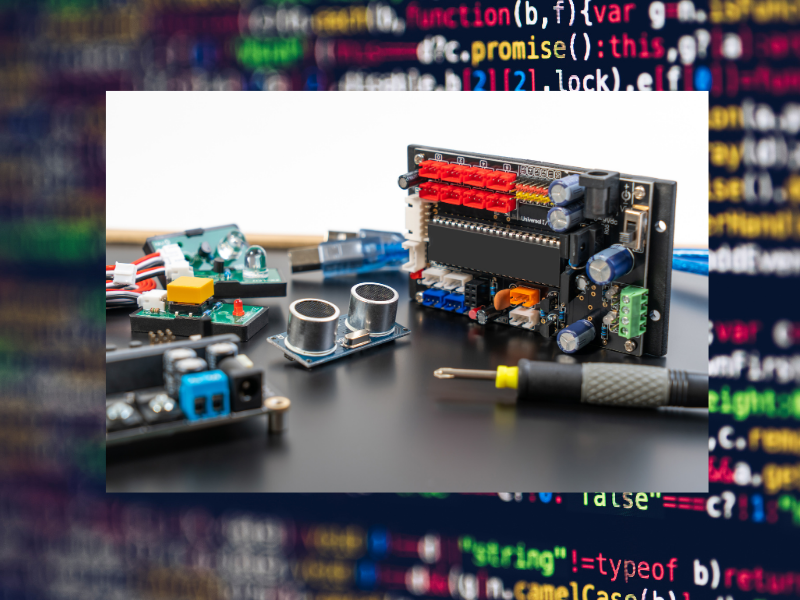
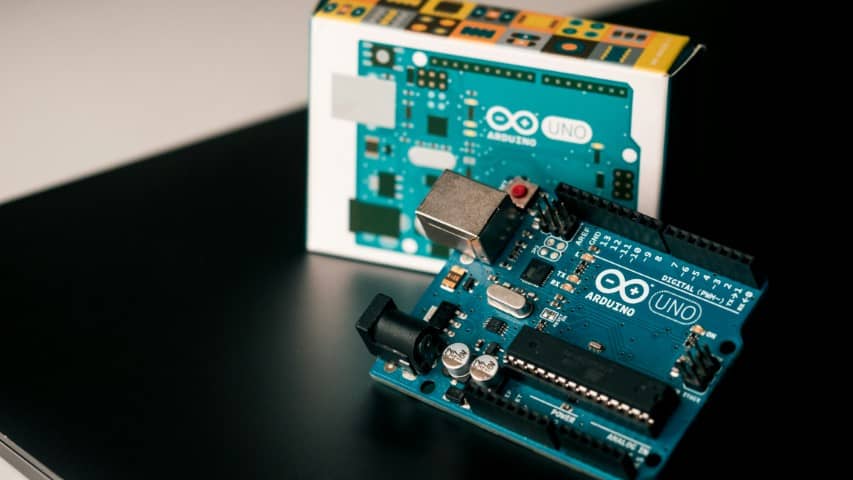
Arduino is an open source electronics platform built around the ATmega328P chip. If you are new to this, I explain what a microcontroller actually is, how the Arduino board and its software fit together, and what the differences are between boards like the Uno, Mega, Nano, and Leonardo so you can figure out which one to get.