
This path takes you from your first Arduino sketch to a ROS 2 robot arm that finds objects with a camera. Each step builds on the one before it. If you already know the basics, jump to your level.
Level 0
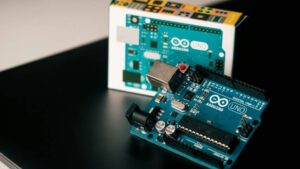
Foundations
Learn what a microcontroller does, choose how to program it and upload your first sketches.

Level 1
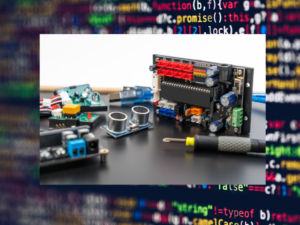
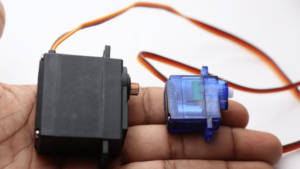
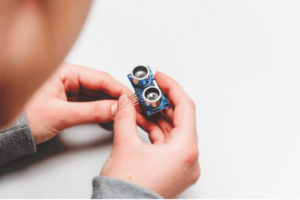
Sensors and actuators
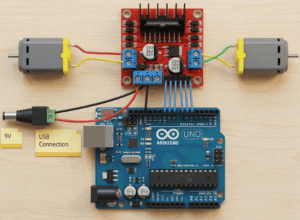
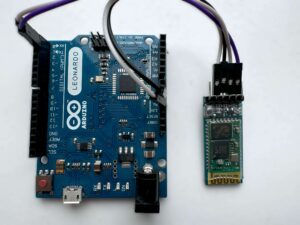
Wire and program the four parts you will find in almost every robot on this site, one at a time.
Level 2
First projects
Combine input, logic and output into small devices that work on their own.
- 08
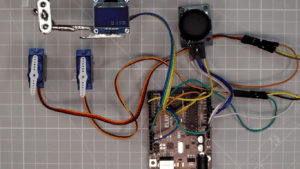 Joystick servo control with OLEDSteer two servos with a joystick and see both angles on an OLED.
 - 09
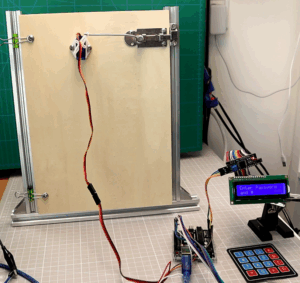 Password door lockKeypad, LCD and a servo latch.
 - 10
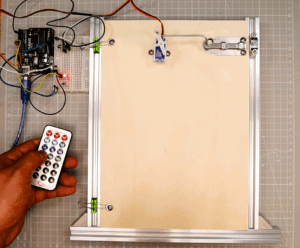 IR remote: LED and servo doorSwitch an LED with a TV remote, then open a door.
 - 11
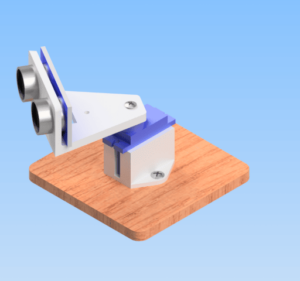 Arduino radarA servo sweeps the ultrasonic sensor and your PC draws the scan.
Side track
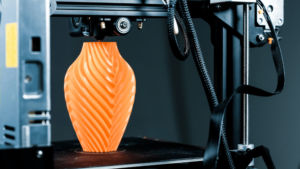
3D design and printing
Design and print your own brackets and chassis parts.
Level 3
Mobile robots
Build robot cars that avoid obstacles, take commands from your phone and follow a line with PID control.
- 13
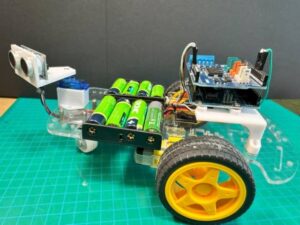 Obstacle-avoiding robot carUltrasonic sensor on a servo, Arduino Motor Shield Rev3.
 - 14
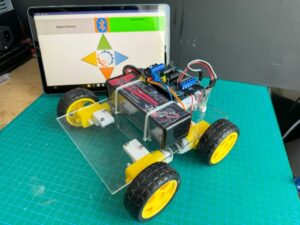 Bluetooth robot carDrive it with a phone app over HC-05.
 - 15
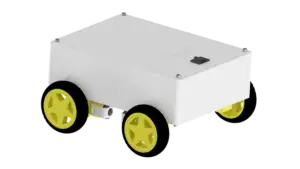 OmObi: 3D printed Bluetooth carThe same electronics in a printed chassis.
 - 16
 Line follower with KY-033 sensorsIR sensors keep the car on a white line.
 - 17
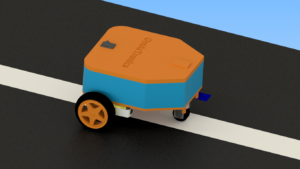 Line follower with TCS34725 and PIDA color sensor and PID control for smoother tracking.
 - 18
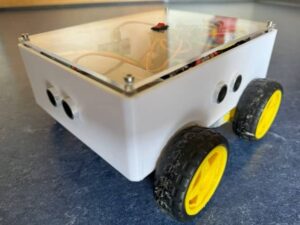 Advanced robot car with Arduino MegaAutonomous and Bluetooth modes in one car.
Level 4
Robot arms
Build servo arms with potentiometer and Bluetooth control, then switch to the ESP32 and control an arm from the browser.
- 19
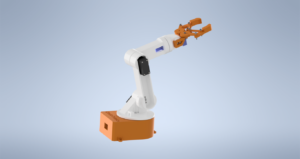 6-DOF robot arm with potentiometersSix servos, each driven by its own potentiometer.
 - 20
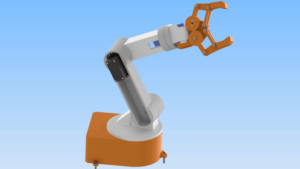 6-DOF robot arm with Bluetooth appControl the same arm from your phone.
 - 21
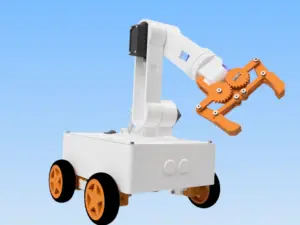 OmObiArm: mobile robot armThe arm mounted on the OmObi car.
 - 22
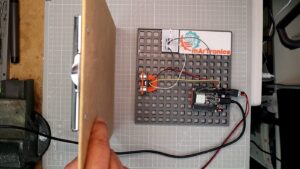 HC-SR04 with ESP32 and web dashboardYour first ESP32 project: Wi-Fi and a live dashboard.
 - 23
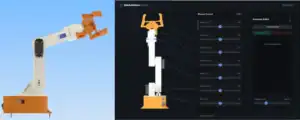 OmArm Zero Part 1: buildA 6-DOF (5+1 gripper) arm you control from the browser.
Level 5
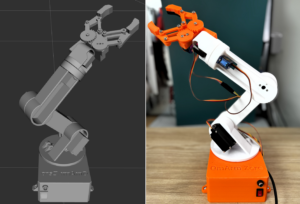
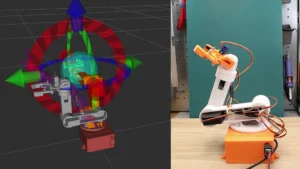
ROS 2 with OmArm Zero
Turn the arm into a digital twin, plan collision-free motion with MoveIt 2 and pick objects with a camera.
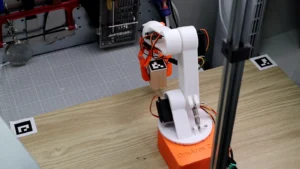
Level 6
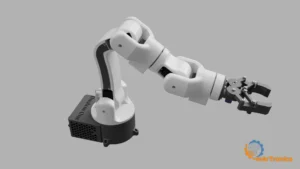
OmArm One, the current series
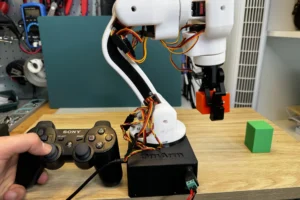
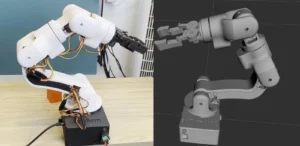
Build a stiffer arm on real ball bearings, drive it with a game controller and export a digital twin from Fusion 360.
Want the files for a build? Many projects have a project package with the 3D print files in one download; the newer ones also include code, wiring diagrams and a PDF guide.