My robot builds in the order I recommend: robot cars first, then robot arms, then ROS 2. New to Arduino? Start with the basics on the ابدأ هنا page.
Side track
3D design and printing
Design and print your own brackets and chassis parts.
Level 3
Mobile robots
Build robot cars that avoid obstacles, take commands from your phone and follow a line with PID control.
- 13
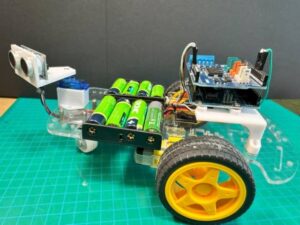 Obstacle-avoiding robot carUltrasonic sensor on a servo, L293D motor shield.
 - 14
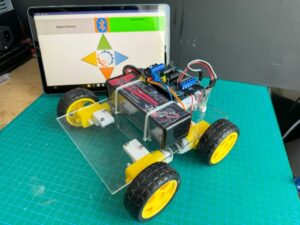 Bluetooth robot carDrive it with a phone app over HC-05.
 - 15
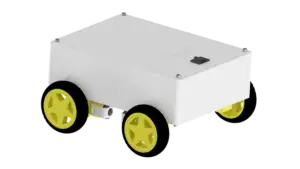 OmObi: 3D printed Bluetooth carThe same electronics in a printed chassis.
 - 16
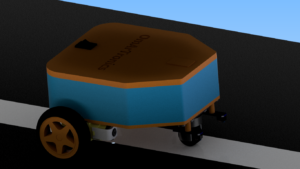 Line follower with KY-033 sensorsIR sensors keep the car on a black line.
 - 17
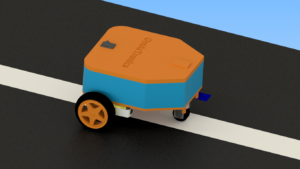 Line follower with TCS34725 and PIDA color sensor and PID control for smoother tracking.
 - 18
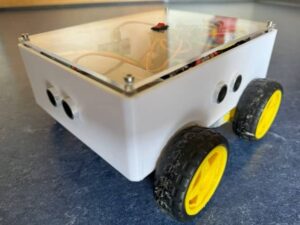 Advanced robot car with Arduino MegaAutonomous and Bluetooth modes in one car.
Level 4
Robot arms
Build servo arms with potentiometer and Bluetooth control, then switch to the ESP32 and control an arm from the browser.
- 19
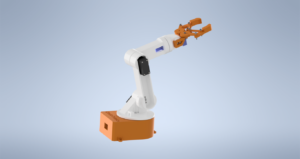 6-DOF robot arm with potentiometersSix servos, each driven by its own potentiometer.
 - 20
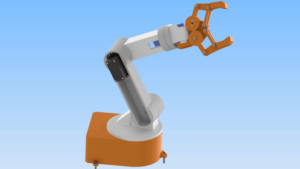 6-DOF robot arm with Bluetooth appControl the same arm from your phone.
 - 21
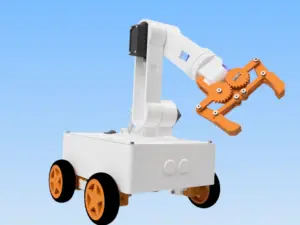 OmObiArm: ذراع الروبوت المحمولThe arm mounted on the OmObi car.
 - 22
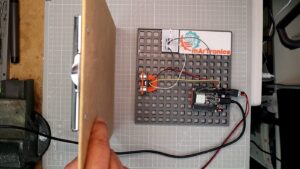 HC-SR04 with ESP32 and web dashboardYour first ESP32 project: Wi-Fi and a live dashboard.
 - 23
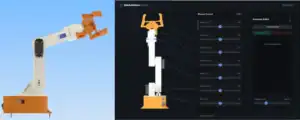 OmArm Zero Part 1: buildA 6-DOF (5+1 gripper) arm you control from the browser.
Level 5
ROS 2 with OmArm Zero
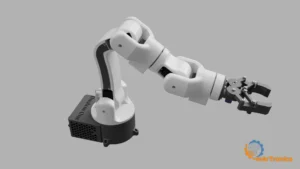
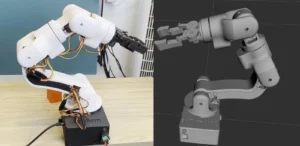
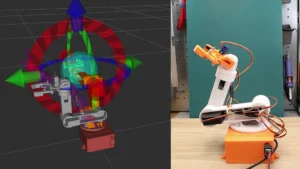
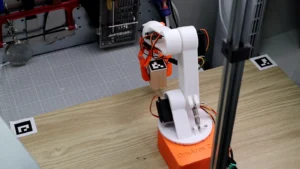
Turn the arm into a digital twin, plan collision-free motion with MoveIt 2 and pick objects with a camera.
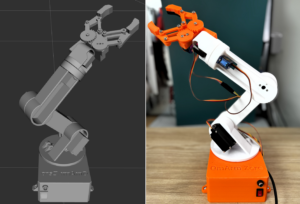
Level 6
OmArm One, the current series
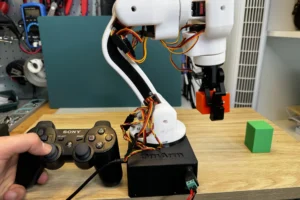
Build a stiffer arm on real ball bearings, drive it with a game controller and export a digital twin from Fusion 360.