
OmArm Zero: مساحة عمل ROS 2 (Workspace) للذراع بست درجات حرية 6-DOF (5+1 للقابض) – URDF وMoveIt 2 والرؤية الحاسوبية وأدلة PDF والشرائح (الأجزاء 2-4)
19,00 €
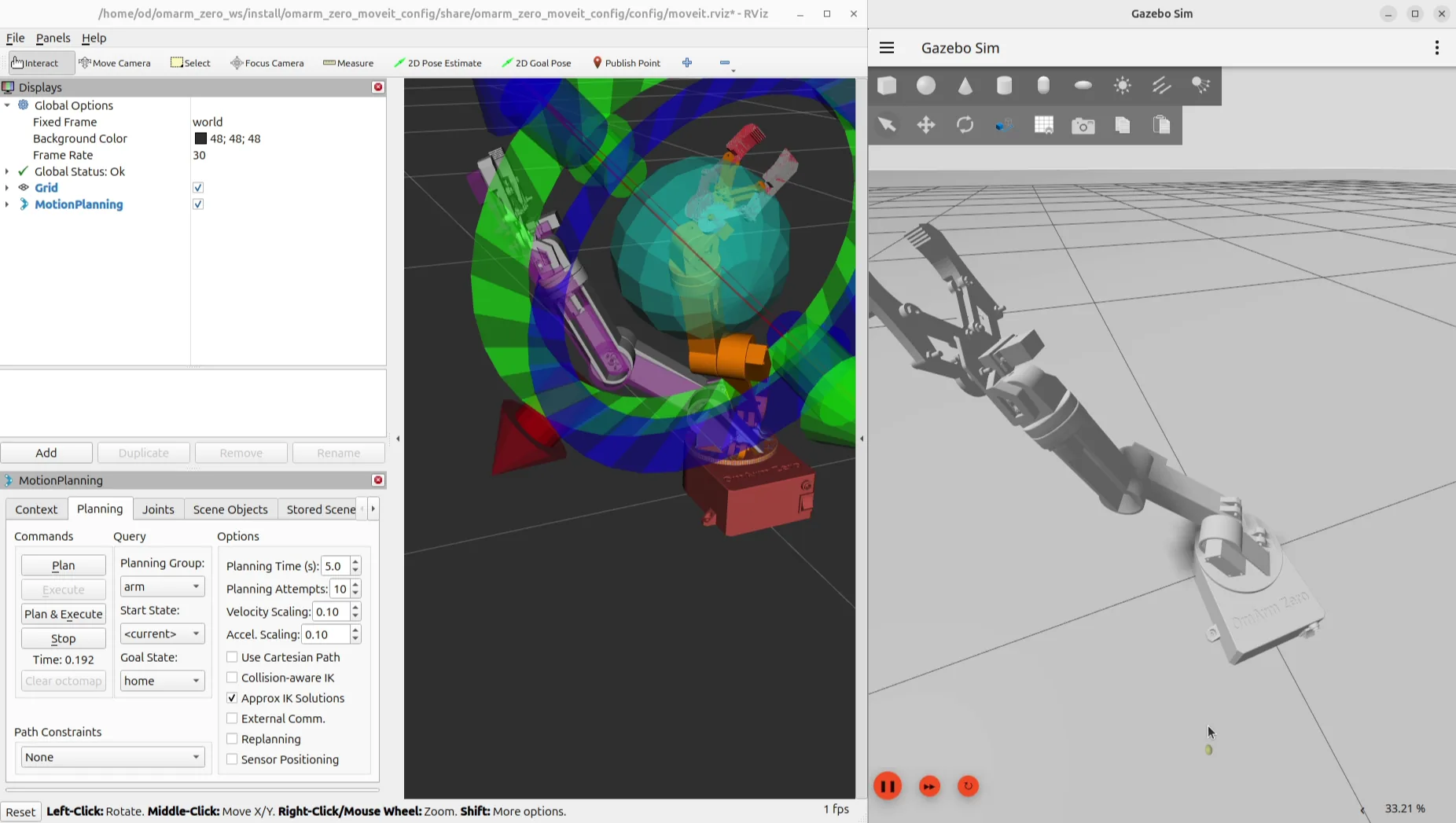
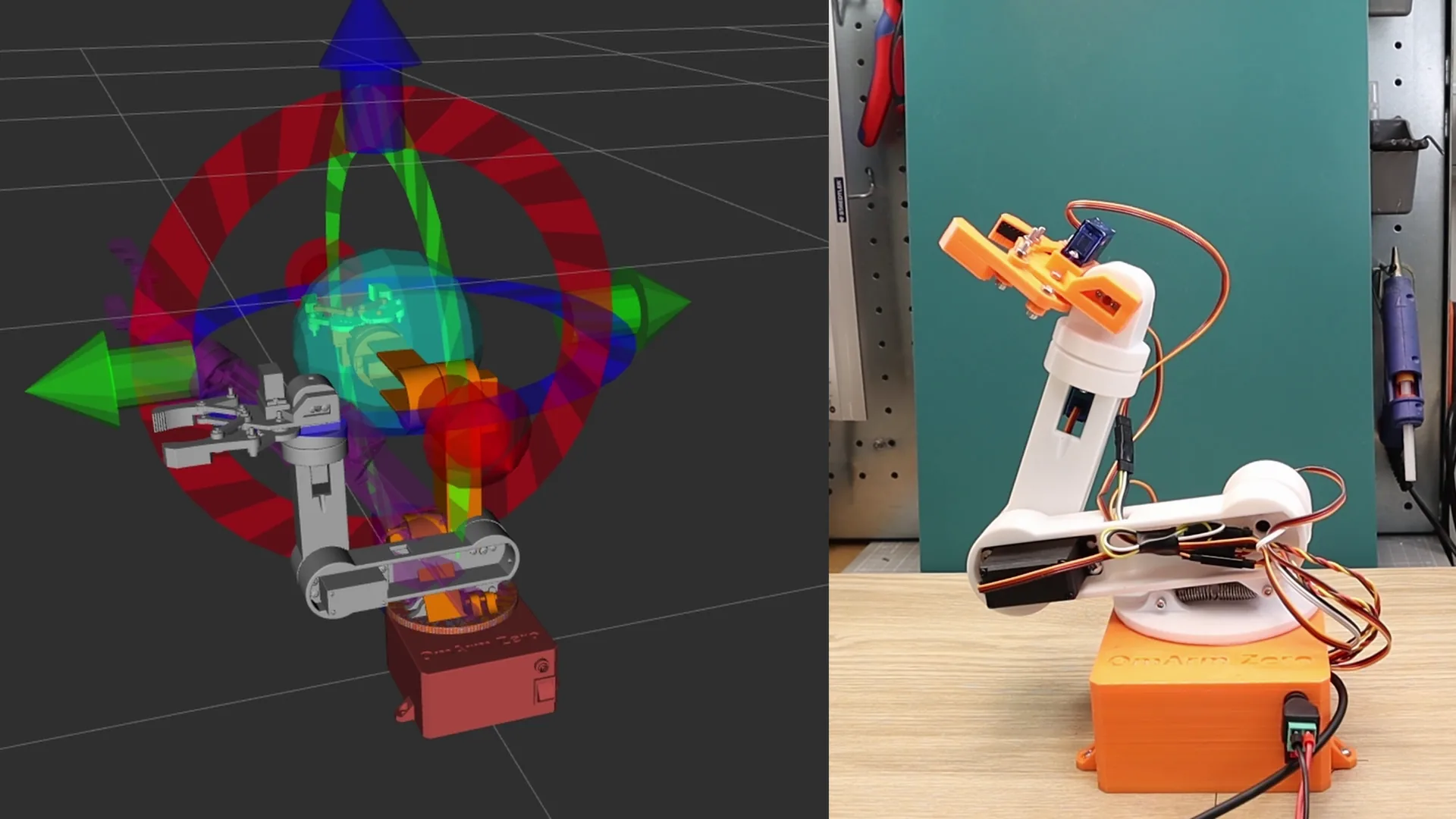
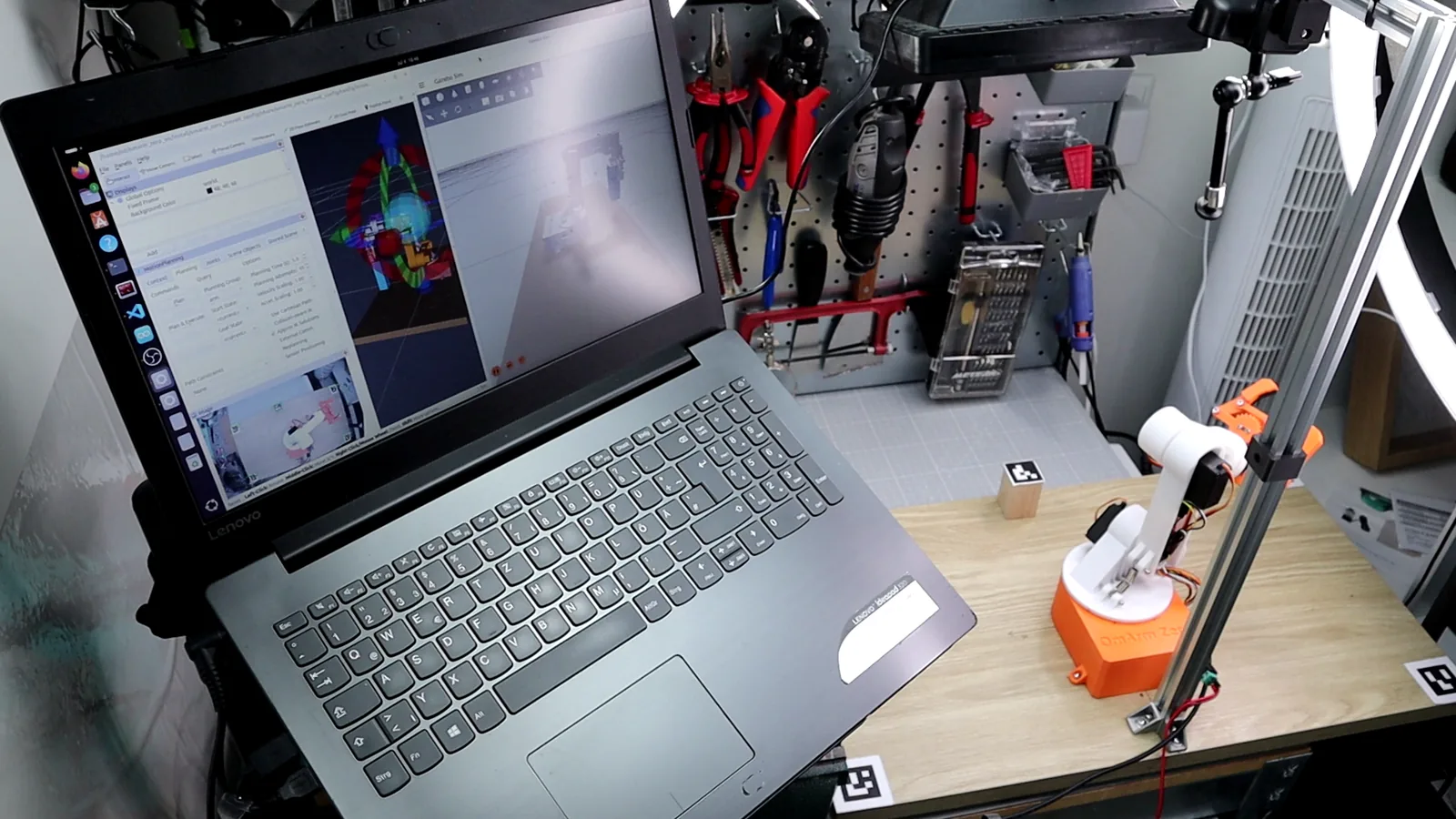
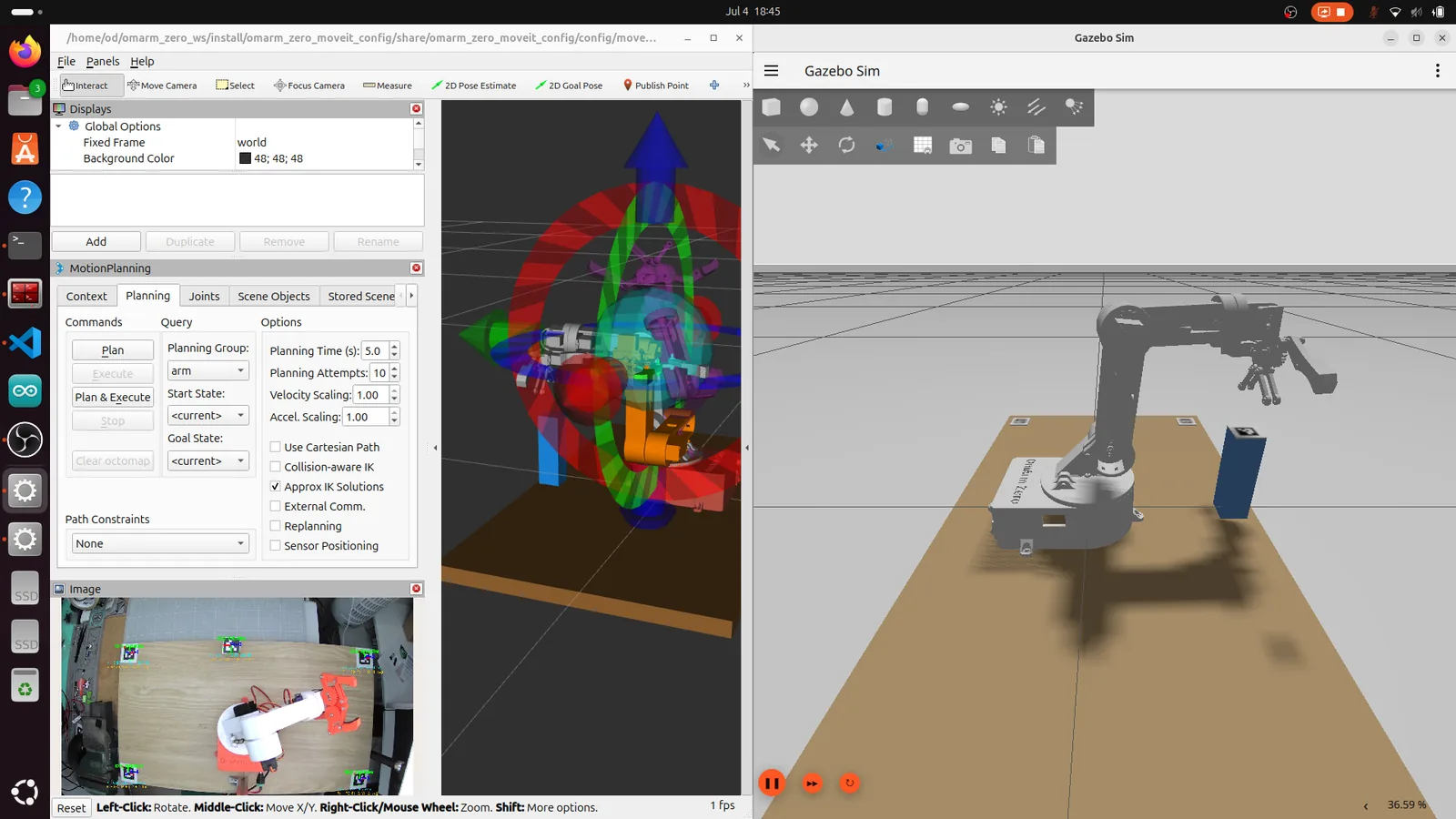
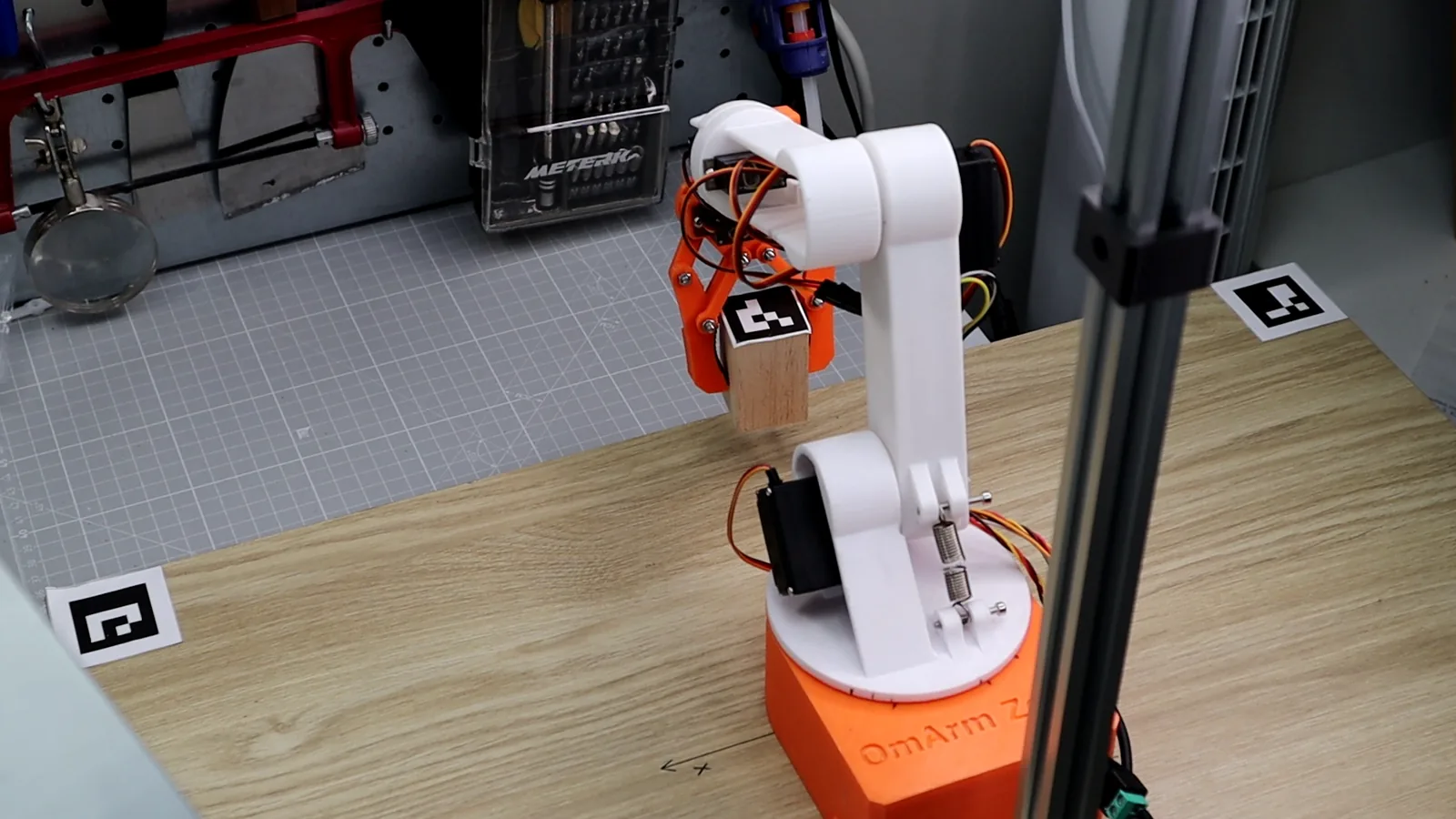
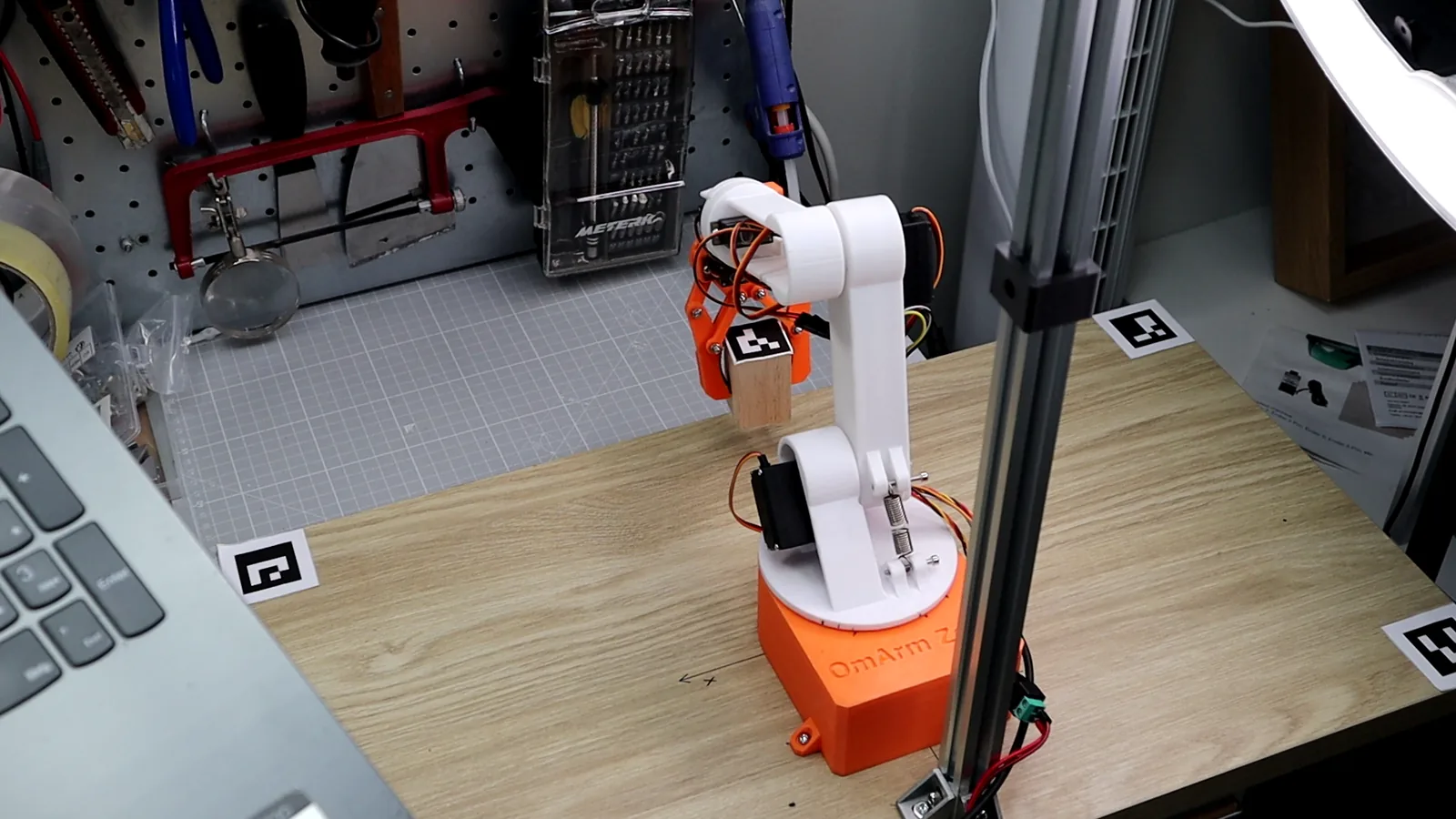
مساحة عمل ROS 2 كاملة لـ OmArm Zero، وهي ذراع روبوتية مطبوعة بالطباعة ثلاثية الأبعاد (3D) بست درجات حرية 6-DOF (5+1 للقابض). تتضمن حزم ROS 2 الخمس كلها (URDF، وMoveIt 2، والتحكم بيد الألعاب، وجسر العتاد لـ ESP32، والرؤية الحاسوبية)، وأدلة PDF خطوة بخطوة للأجزاء 2-4، وشرائح العرض التقديمي للفيديو، وخطوات إعداد أداة تصدير URDF لـ Fusion 360. فُكَّ الضغط، وابنِ، وشغّل.
منتج رقمي للتنزيل، لا يُشحن أي شيء. لا تُفرض ضريبة القيمة المضافة (نظام المنشآت الصغيرة، § 19 UStG).
ترخيص للاستخدام الشخصي: ابنِ واطبع لنفسك؛ يُمنع مشاركة الملفات، ويُمنع بيع الملفات أو القطع المطبوعة. تفاصيل الترخيص
الوصف
مساحة عمل ROS 2 كاملة لـ OmArm Zero
كل ما تحتاجه لمحاكاة الذراع الروبوتية OmArm Zero بست درجات حرية (6-DOF) والتحكم فيها وتشغيلها باستخدام ROS 2 Jazzy. نزّل، وفُكَّ الضغط، وابنِ — وتصبح جاهزًا للعمل.
محتويات الحزمة
- omarm_zero_description — نموذج الروبوت الكامل بصيغة URDF/Xacro، وملفات الشبكات (Meshes) بصيغة STL، وملفات التشغيل (Launch) لـ RViz وGazebo، وإعدادات ros2_control (الجزء 2)
- omarm_zero_moveit_config — إعداد MoveIt 2: تخطيط الحركة، وفحص التصادم، والتحكم بالسحب والإفلات في RViz (الجزء 3)
- omarm_zero_gamepad_control — حزمة التشغيل عن بُعد بيد الألعاب (إضافة، لا تتناولها الأدلة)
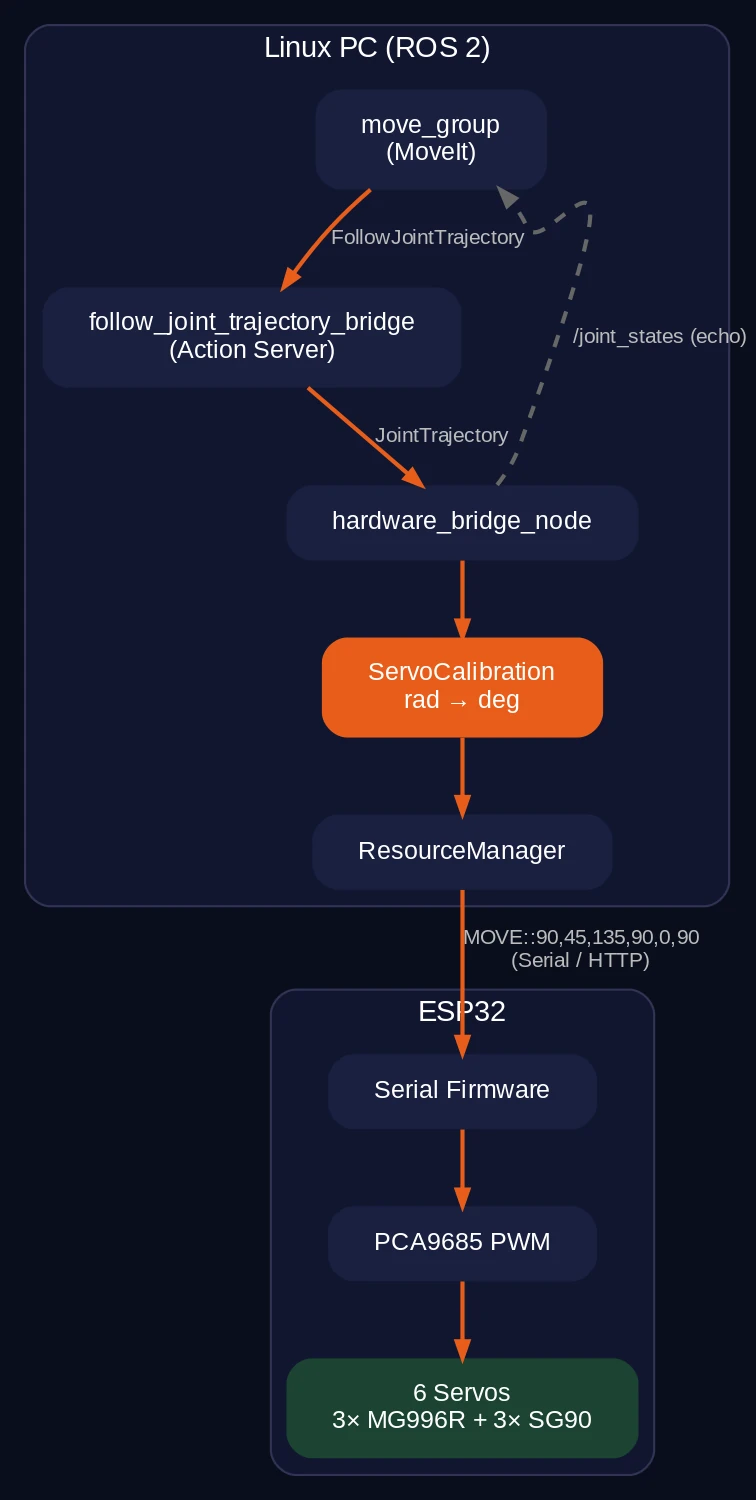
- omarm_zero_real_control — جسر العتاد لـ ESP32 (تسلسلي أو عبر واي فاي): تحكّم في محركات سيرفو حقيقية من ROS 2 (الجزء 3)
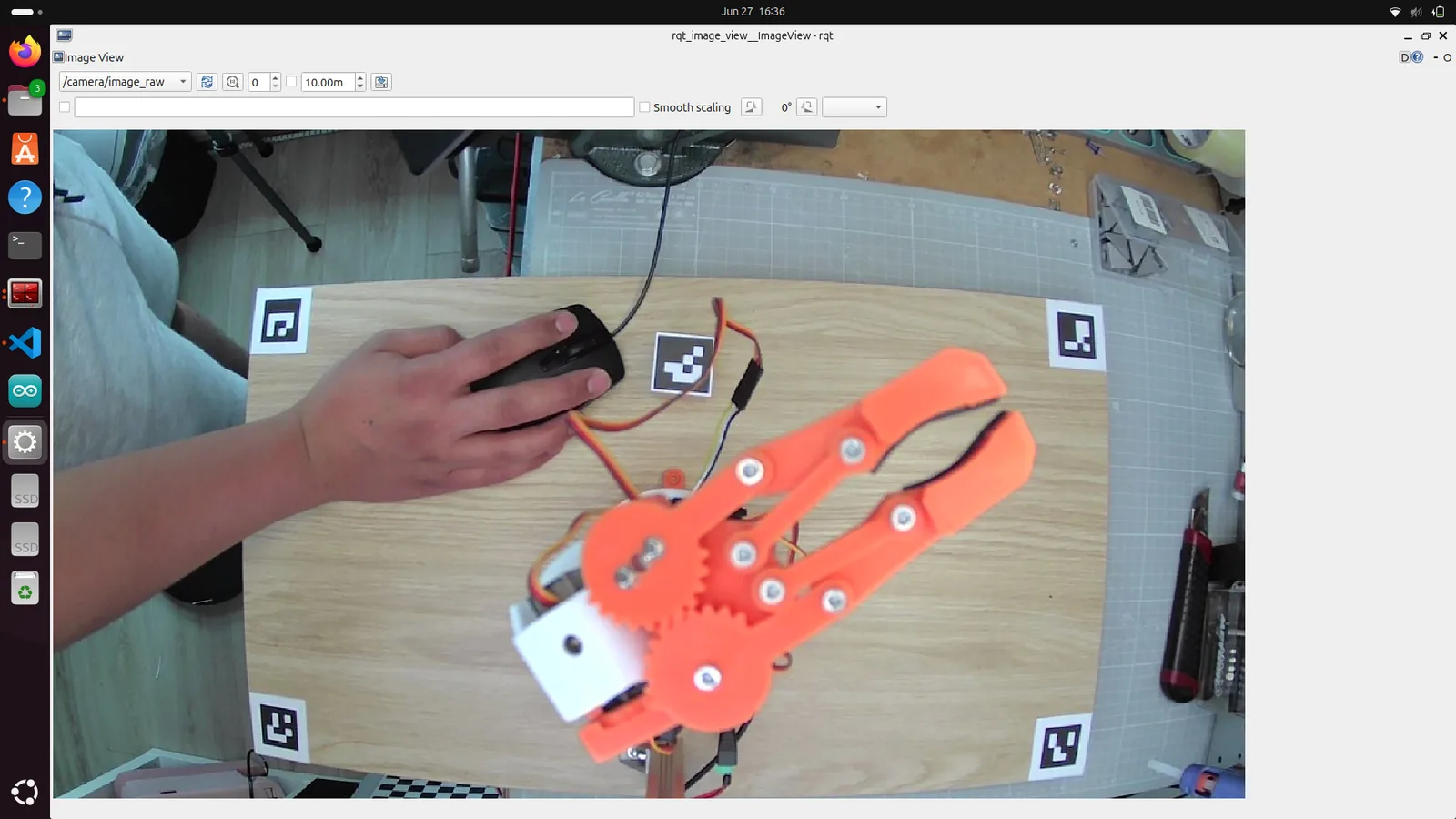
- computer_vision_aruco — معايرة الكاميرا واكتشاف علامات ArUco لعمليات الالتقاط والوضع الموجَّهة بالرؤية (الجزء 4)
- أداة تصدير URDF لـ Fusion 360 — الرابط وخطوات الإعداد بالتفصيل في دليل الجزء 2، لتصدير روبوتك الخاص من Fusion 360 إلى ROS 2
- أدلة PDF — أدلة تجميع خطوة بخطوة للأجزاء 2 و3 و4
- شرائح العرض التقديمي — شرائح PPTX من سلسلة فيديوهات YouTube
- مواد قابلة للطباعة — ورقة علامات ArUco ولوحة شطرنج للمعايرة (الجزء 4)
- README — البدء السريع: فك الضغط، colcon build، source، launch
المتطلبات
- Ubuntu 24.04
- ROS 2 Jazzy
- Gazebo Harmonic
- لا يلزم عتاد OmArm Zero إلا لأقسام الذراع الحقيقية في الجزأين 3 و4 (المحاكاة تعمل بدونه)
البدء السريع
- نزّل ملف ZIP وفُكَّ ضغطه
cd ~/omarm_zero_ws && rosdep install --from-paths src --ignore-src -r -y && colcon buildsource install/setup.bashros2 launch omarm_zero_description display.launch.py
الترخيص
الكود المصدري لـ ROS 2 والبرنامج الثابت: ترخيص MIT. مخططات التوصيل: CC BY-SA 3.0 (رسومات القطع من Fritzing). التوثيق وملفات الشبكات (Meshes) والعروض التقديمية: © 2026 OmArTronics، للاستخدام الشخصي فقط.
البرنامج الثابت لـ ESP32 الخاص بـ ROS 2 (الجسر التسلسلي) وملفات التوصيل مضمَّنة في هذه الحزمة ضمن src/firmware وsrc/electronics.
تحتاج إلى القطع المطبوعة؟ تجدها في الجزء 1: ملفات CAD والبرنامج الثابت ودليل التجميع.
يسمح فقط للزبائن مسجلي الدخول الذين قاموا بشراء هذا المنتج ترك مراجعة.
منتجات ذات صلة
-
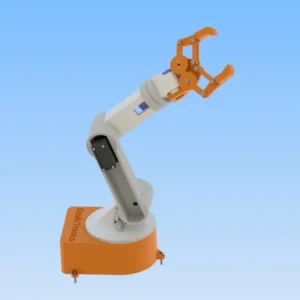
ذراع روبوتية بست درجات حرية (6-DOF) لـ Arduino – ملفات الطباعة ثلاثية الأبعاد (3D) بصيغة STL
1,90 € إضافة إلى السلة -
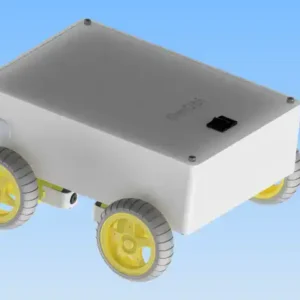
سيارة OmObi الروبوتية بالبلوتوث: Arduino وHC-05 ودرع المحركات (Motor Shield) – ملفات الطباعة ثلاثية الأبعاد (3D) بصيغة STL
مجاني إضافة إلى السلة -
سعر الإطلاق
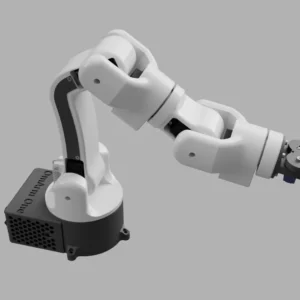
OmArm One: ذراع روبوتية بسبع درجات حرية 7-DOF (6+1 للقابض) على محامل كروية حقيقية – ملفات CAD والبرنامج الثابت وقائمة المواد (BOM) ودليل البناء ووحدة تحكم الألعاب (الجزءان 1 + 1.5)
19,00 €سعر الإطلاق حتى 30 نوفمبر 2026، ثم 49,00 € إضافة إلى السلة -
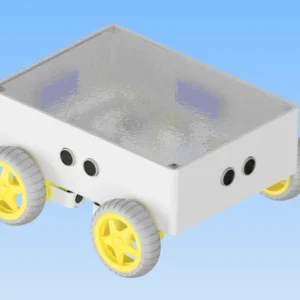
سيارة روبوتية متقدمة ذاتية القيادة (Arduino Mega) – ملفات الطباعة ثلاثية الأبعاد (3D) بصيغة STL
مجاني إضافة إلى السلة
المراجعات
لا توجد مراجعات بعد.