
OmArm Zero: ROS 2 Workspace for the 6-DOF (5+1 Gripper) Arm – URDF, MoveIt 2, Computer Vision, PDF Guides & Slides (Parts 2-4)
19,00 €
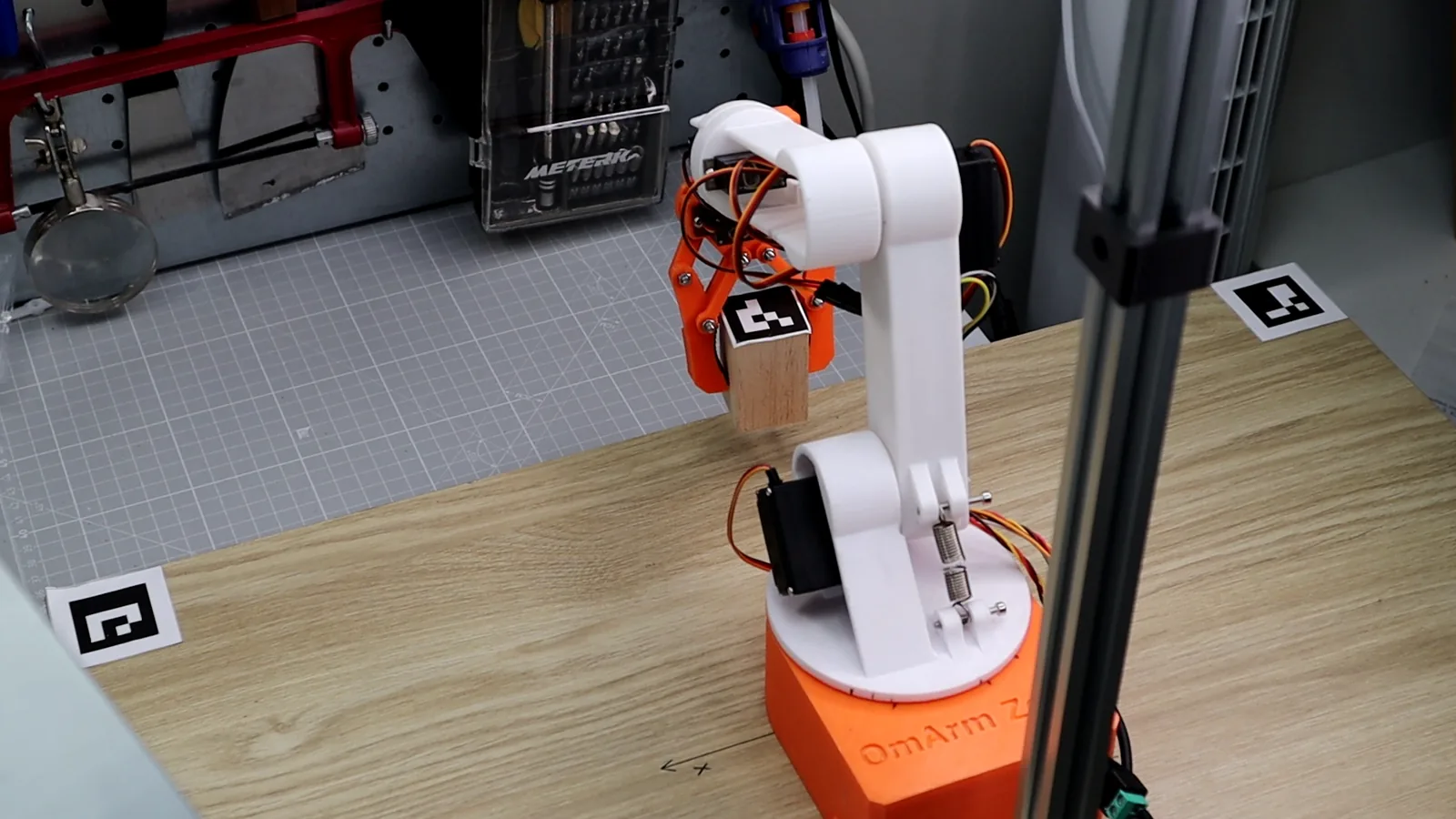
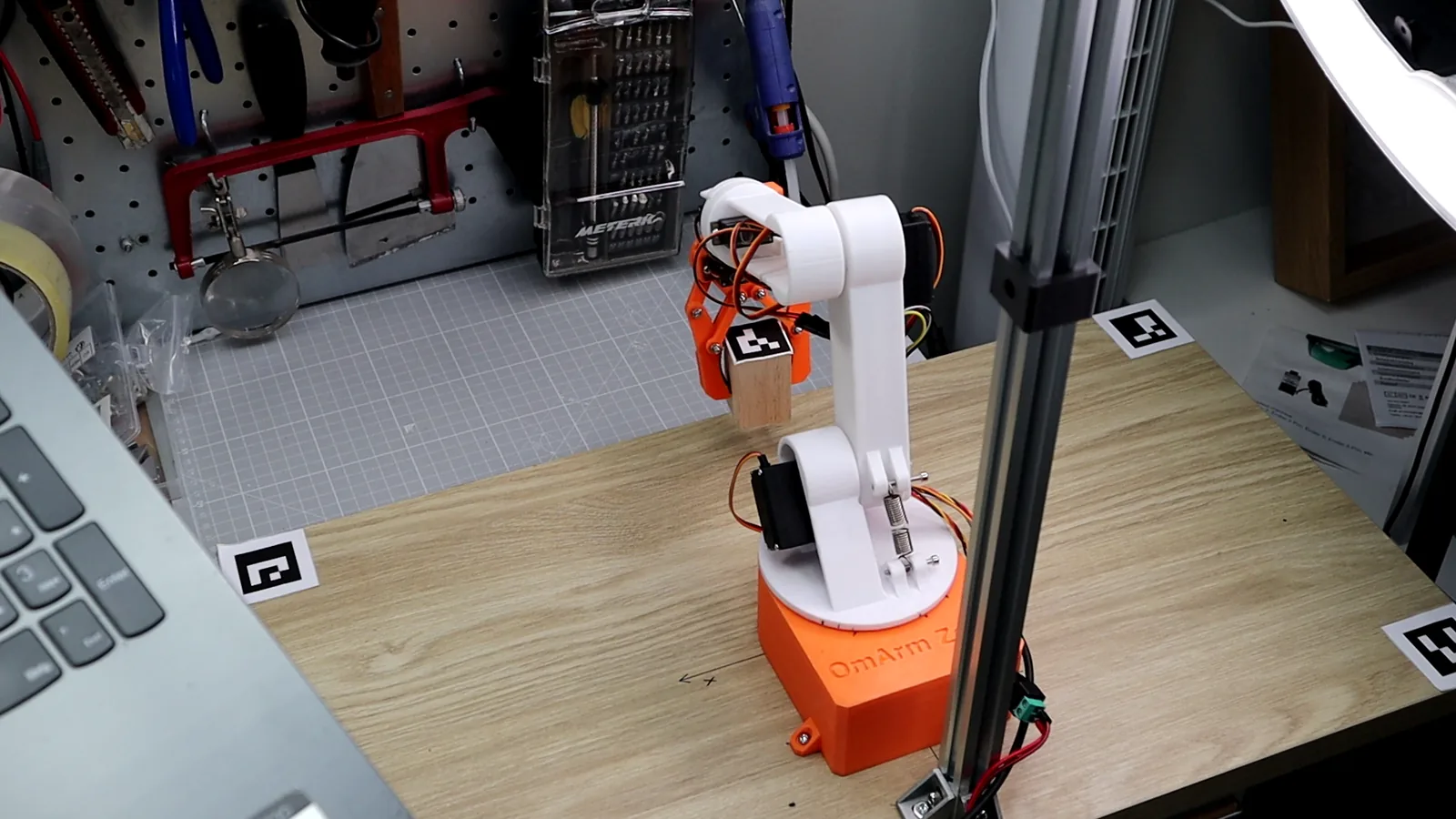
Complete ROS 2 workspace for the OmArm Zero, a 6-DOF (5+1 Gripper) 3D-printed robotic arm. Includes all five ROS 2 packages (URDF, MoveIt 2, Gamepad Control, ESP32 Hardware Bridge, Computer Vision), step-by-step PDF guides for Parts 2-4, video presentation slides, and setup steps for the Fusion 360 URDF exporter. Extract, build, launch.
Digital download, nothing is shipped. No VAT charged (small business, § 19 UStG).
Personal-use license: build and print for yourself; no sharing of the files and no selling of files or printed parts. License details
Description
Complete ROS 2 Workspace for the OmArm Zero
Everything you need to simulate, control, and operate the OmArm Zero 6-DOF robotic arm with ROS 2 Jazzy. Download, extract, build — and you’re running.
What’s included
- omarm_zero_description — Full URDF/Xacro robot model, STL meshes, RViz and Gazebo launch files, ros2_control configs (Part 2)
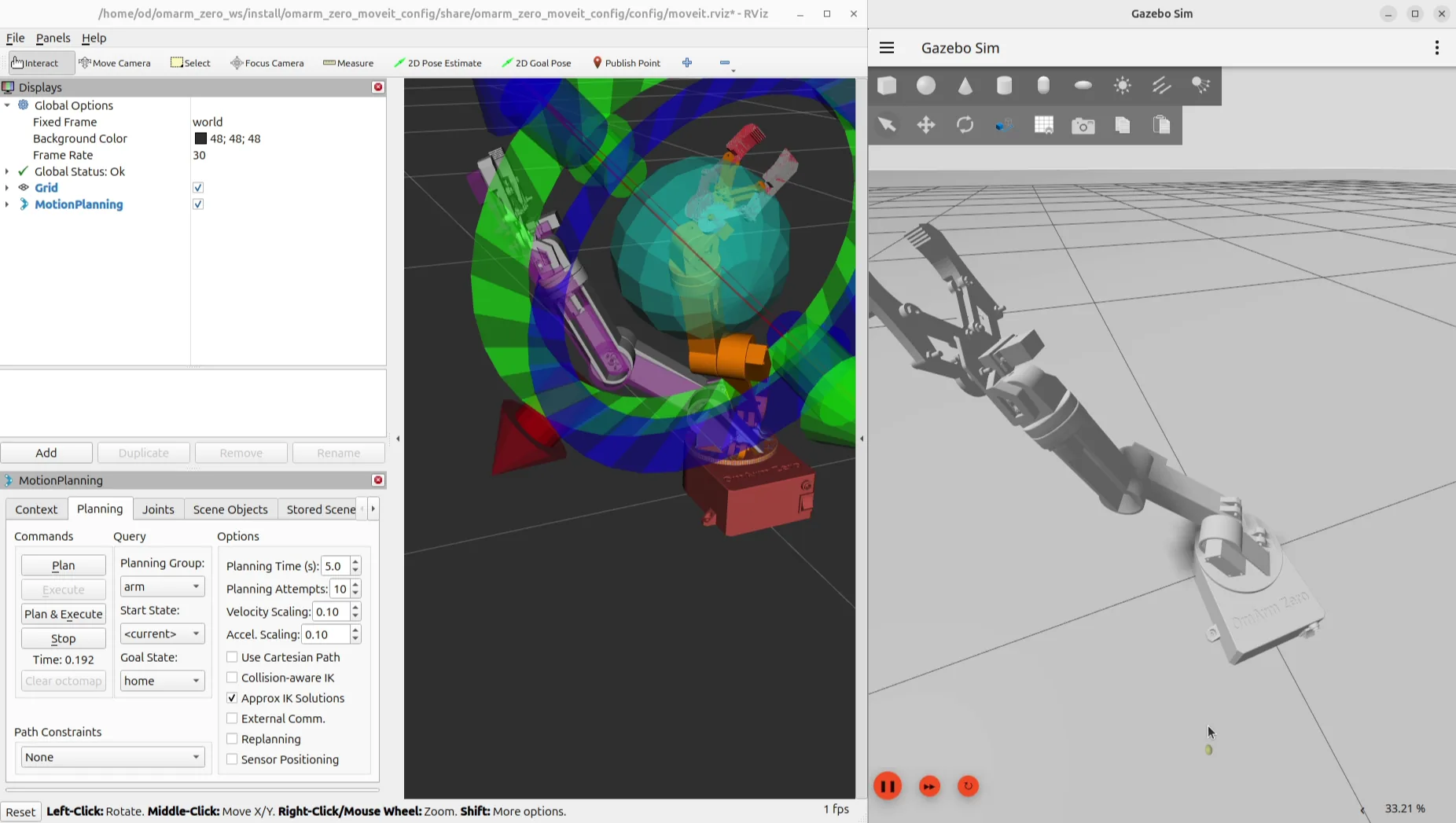
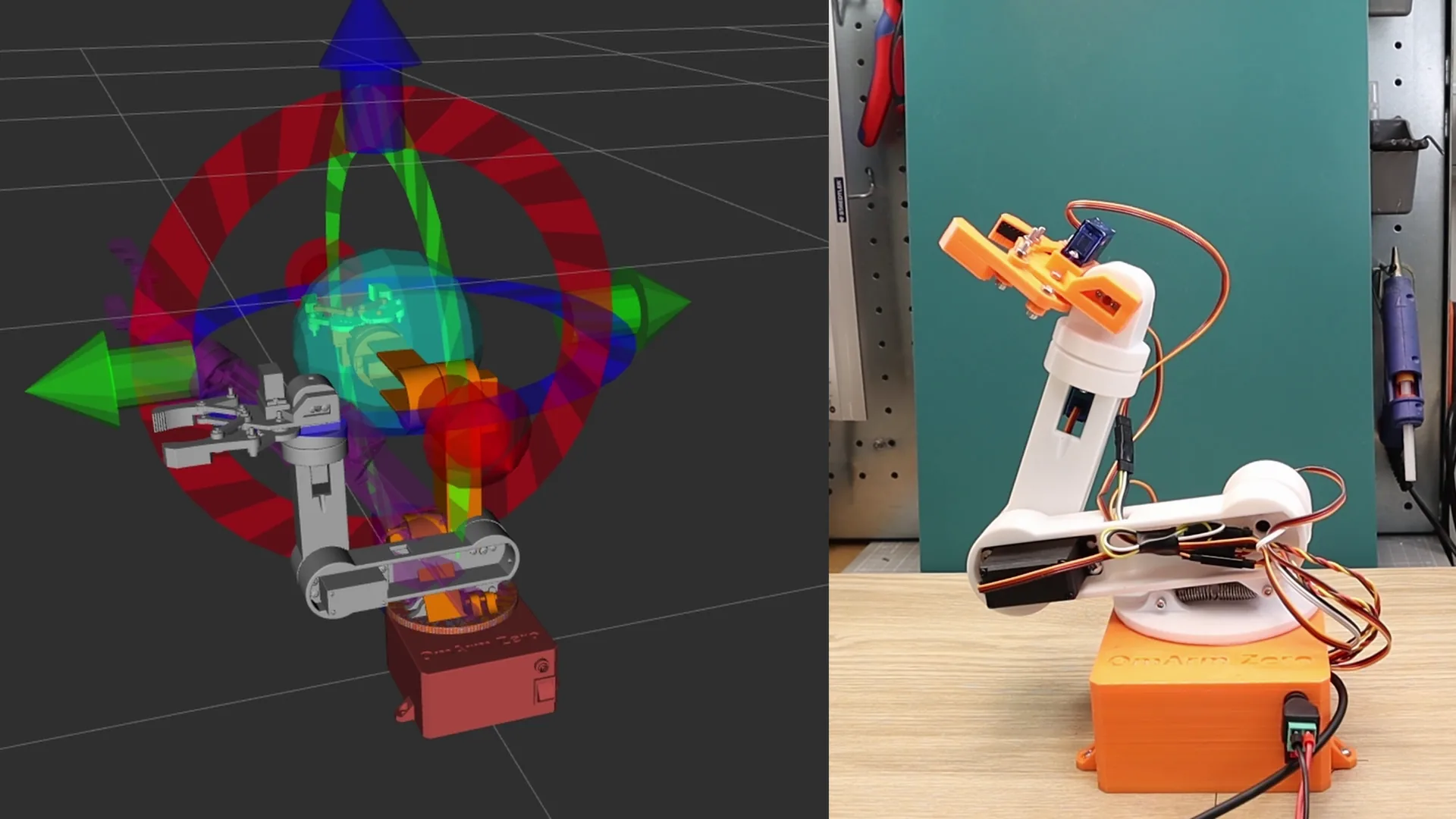
- omarm_zero_moveit_config — MoveIt 2 setup: motion planning, collision checking, drag-and-drop control in RViz (Part 3)
- omarm_zero_gamepad_control — Gamepad teleoperation package (bonus, not covered in the guides)
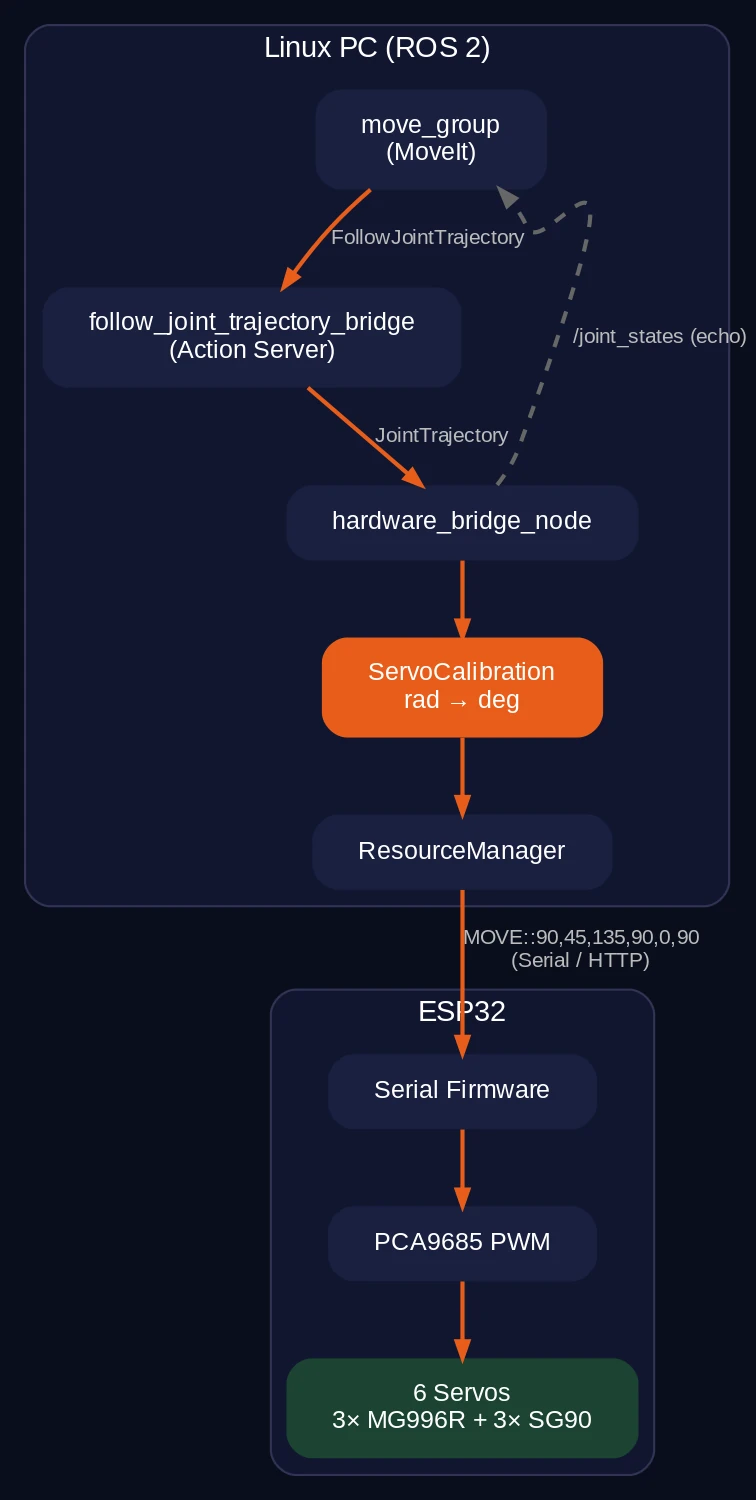
- omarm_zero_real_control — ESP32 hardware bridge (serial or WiFi): control real servos from ROS 2 (Part 3)
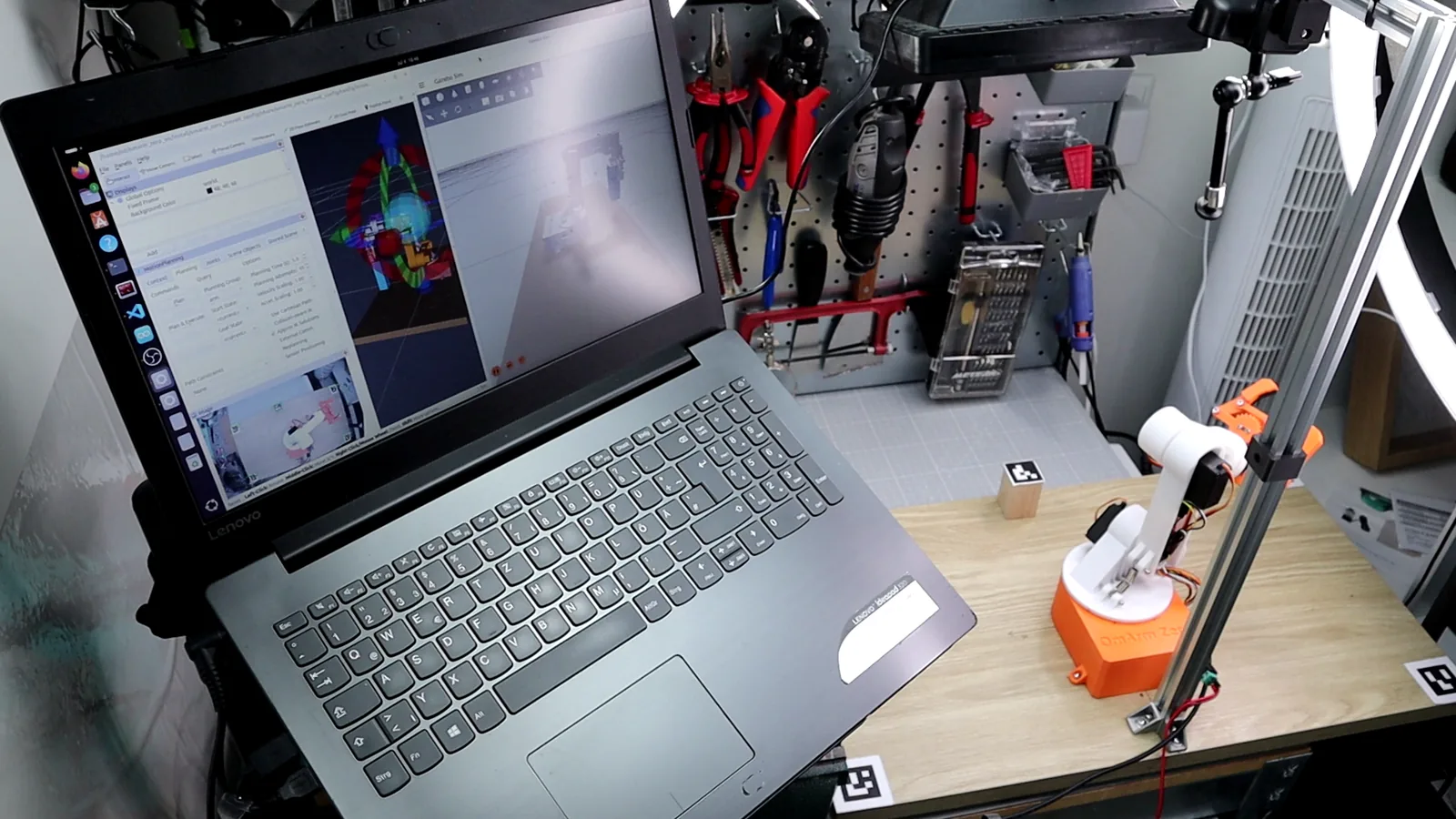
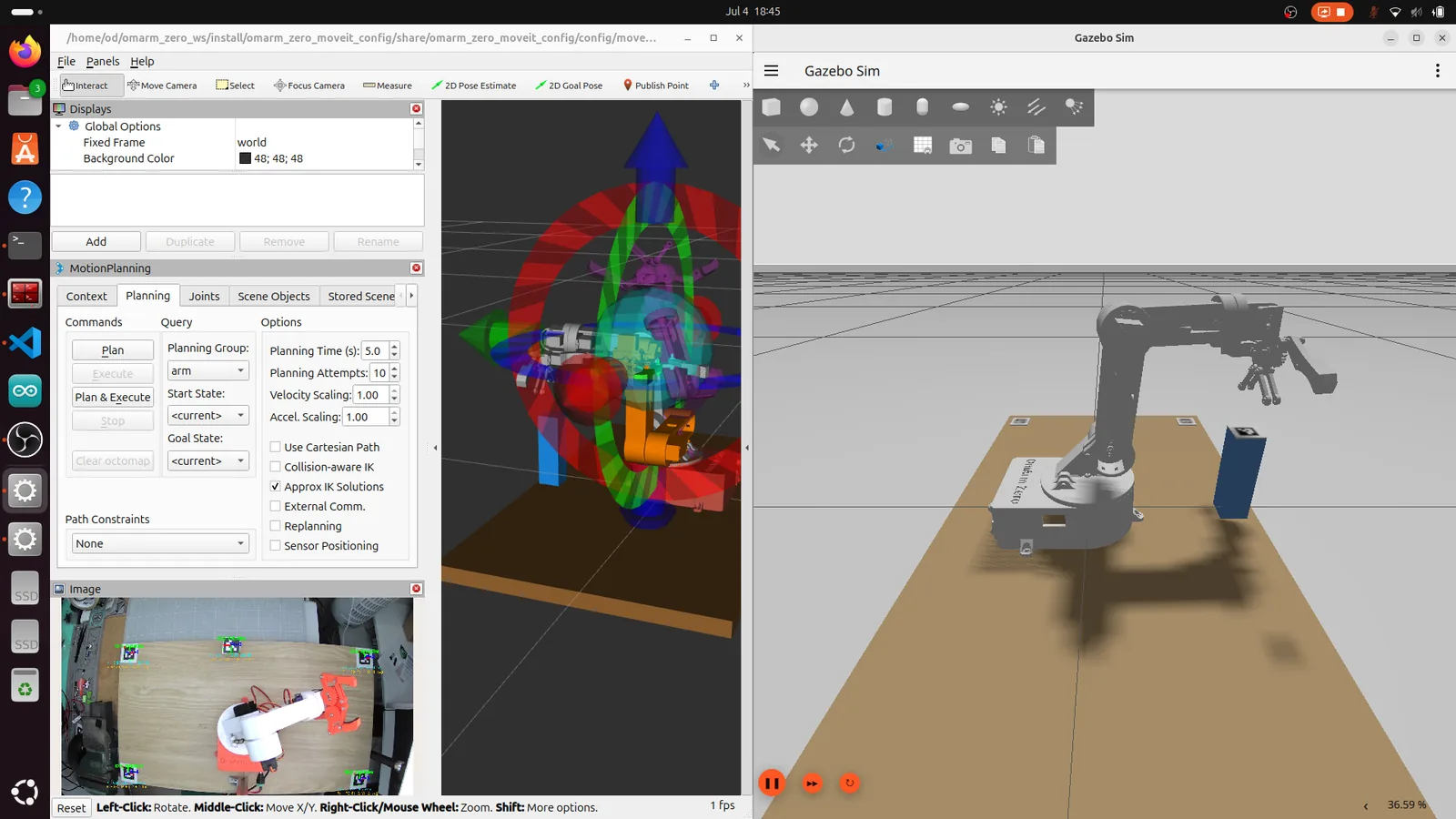
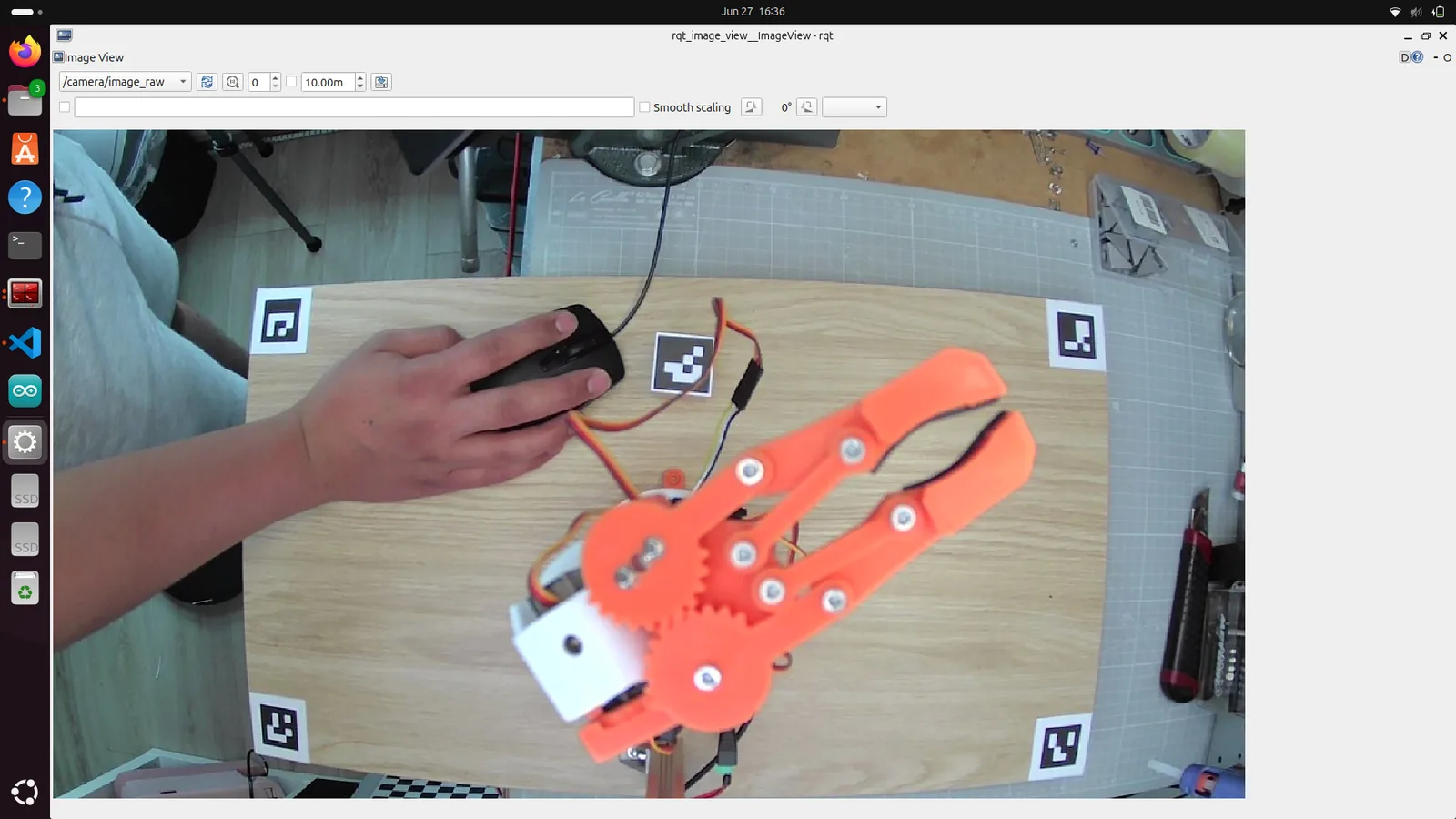
- computer_vision_aruco — Camera calibration and ArUco marker detection for vision-guided pick and place (Part 4)
- Fusion 360 URDF exporter — link and step-by-step setup in the Part 2 guide, to export your own robot from Fusion 360 to ROS 2
- PDF Guides — Step-by-step build guides for Parts 2, 3, and 4
- Presentation Slides — PPTX slides from the YouTube video series
- Printables — ArUco marker sheet and calibration chessboard (Part 4)
- README — Quick-start: extract, colcon build, source, launch
Requirements
- Ubuntu 24.04
- ROS 2 Jazzy
- Gazebo Harmonic
- OmArm Zero hardware only for the real-arm sections of Parts 3 and 4 (the simulation runs without it)
Quick Start
- Download and extract the ZIP
cd ~/omarm_zero_ws && rosdep install --from-paths src --ignore-src -r -y && colcon buildsource install/setup.bashros2 launch omarm_zero_description display.launch.py
License
ROS 2 source code and firmware: MIT License. Wiring diagrams: CC BY-SA 3.0 (Fritzing part graphics). Documentation, meshes and presentations: © 2026 OmArTronics, personal use only.
The ESP32 firmware for ROS 2 (serial bridge) and the wiring files are included in this package under src/firmware and src/electronics.
Need the printed parts? They are in Part 1: CAD Files, Firmware & Build Guide.
Only logged in customers who have purchased this product may leave a review.
Related products
-
Launch price
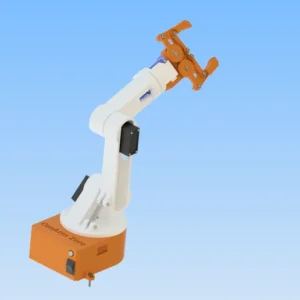
6-DOF Robotic Arm with Bluetooth (HC-05) – 3D Print and CAD Files (STL + STP)
4,90 €Launch price until 30 Nov 2026, then 14,90 € Add to cart -
Launch price
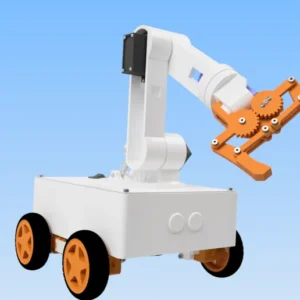
OmObiArm: Mobile Robot Arm with Arduino & Bluetooth – 3D Print and CAD Files (STL + STP)
7,90 €Launch price until 30 Nov 2026, then 19,90 € Add to cart -
Launch price
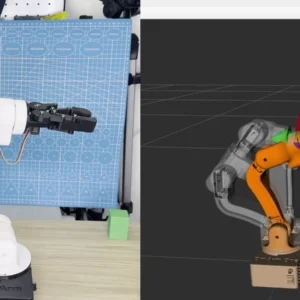
OmArm One: ROS 2 Workspace – Digital Twin, ros2_control & MoveIt 2 on Real Hardware, 2 PDF Guides (Parts 2 + 3)
19,00 €Launch price until 30 Nov 2026, then 29,00 € Add to cart -
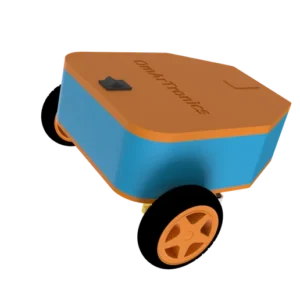
Line-Following Robot with TCS34725 & KY-033 Sensors – 3D Print Files (STL)
Free Add to cart
Reviews
There are no reviews yet.