
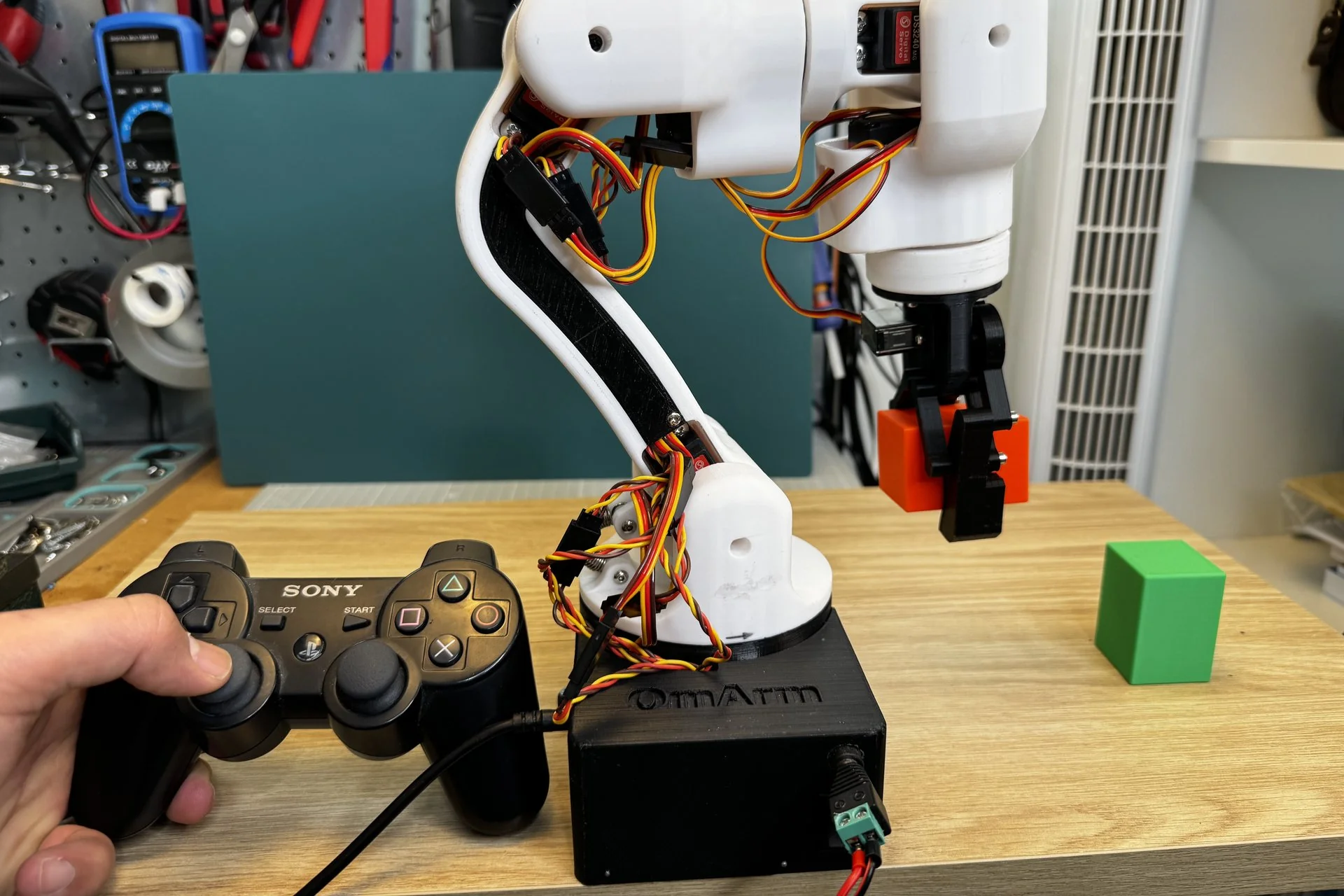
OmArm One: 7-DOF (6+1 Gripper) Robot Arm on Real Ball Bearings – CAD, Firmware, BOM, Build Guide & Game Controller (Parts 1 + 1.5)
39,00 €Launch price until 30 Nov 2026, then 49,00 €
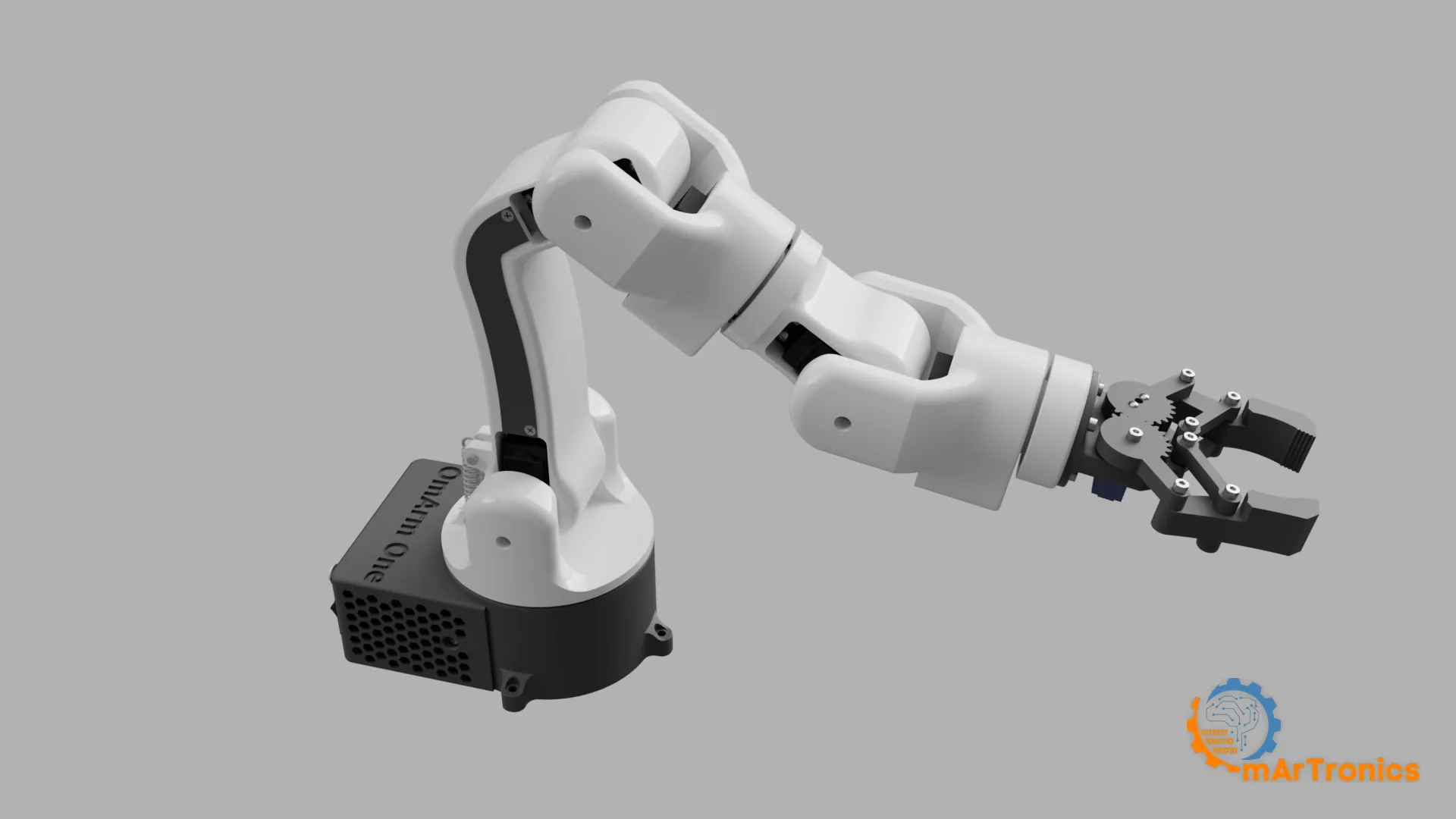
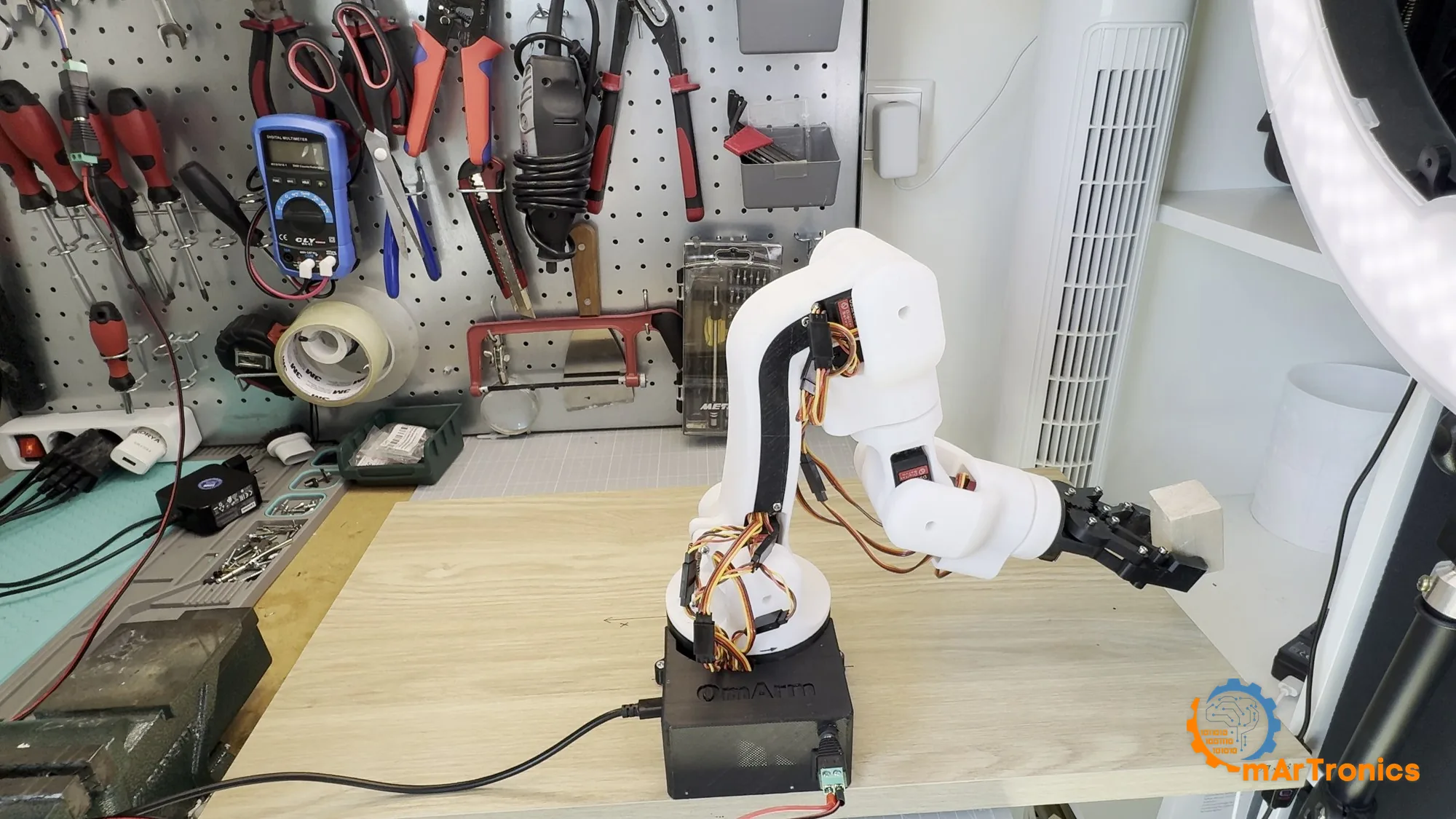
Complete project package for the OmArm One, a 7-DOF (6+1 gripper) 3D-printed robot arm that carries every load through real ball bearings. Includes all 23 STL files, Bambu Studio print plates (.3mf), STEP + Fusion 360 source, ballooned A1 assembly drawing with matching BOM Excel, wiring diagrams, ESP32 web-app firmware with safety layer, unit tests, and the printable 90-page PDF build guide. It now also includes Part 1.5: a second, Bluetooth firmware that drives the arm from a PS3, PS4, PS5, Xbox or Switch controller with no PC in the loop, the gamepad mapper tool, five more PC-side tests and a 35-page PDF gamepad guide.
Digital download, nothing is shipped. No VAT charged (small business, § 19 UStG).
Personal-use license: build and print for yourself; no sharing of the files and no selling of files or printed parts. License details
Description
What’s included
Part 1 — the arm
- 23 STL files – every printed part, numbered and print-ready
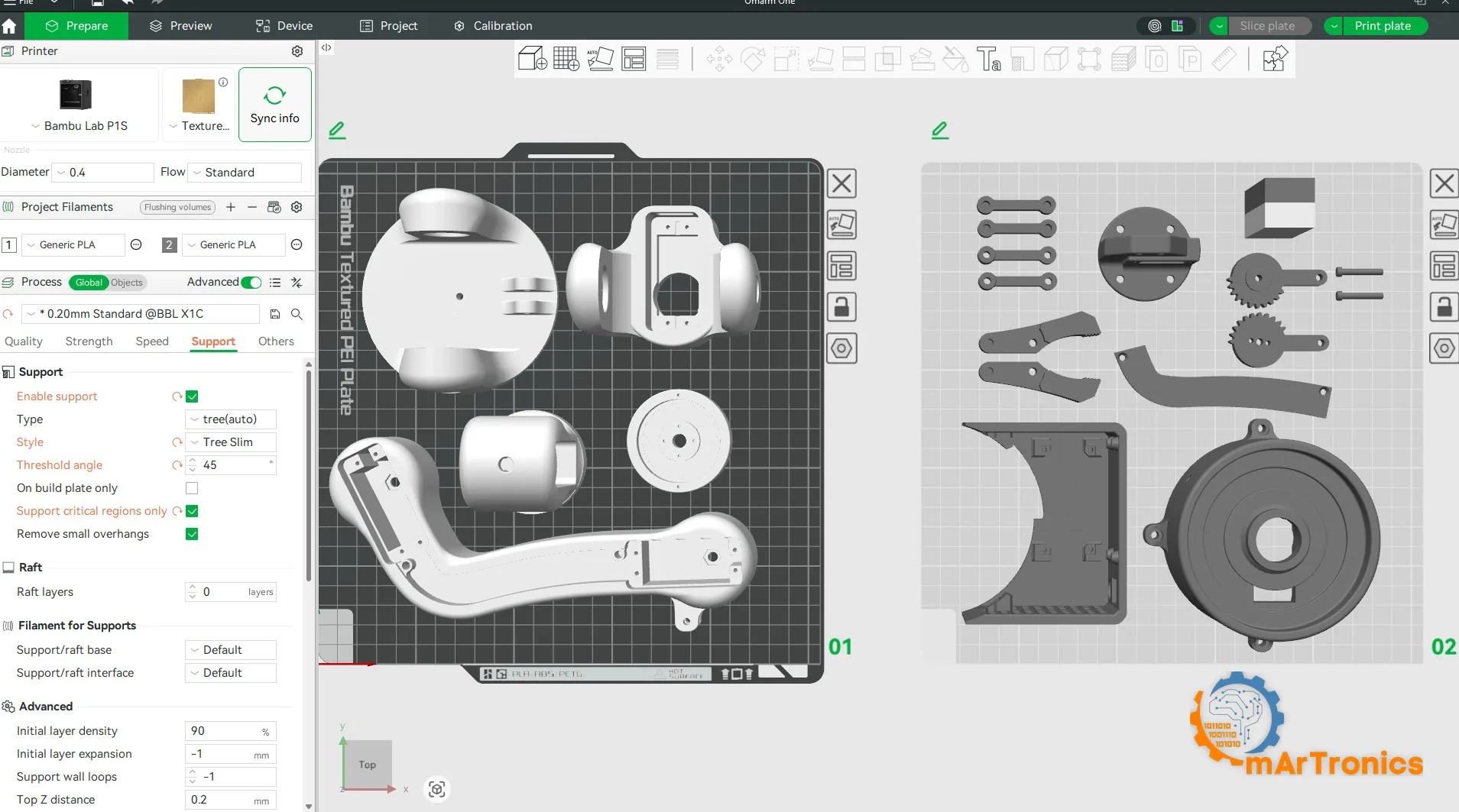
- Bambu Studio project (.3mf) – two print plates with orientation, seams and supports already set (~15 h). 02_base_link_upper is not on the plates yet: print it from its STL file
- STEP assembly + Fusion 360 source (.f3d) – full parametric CAD for your own modifications
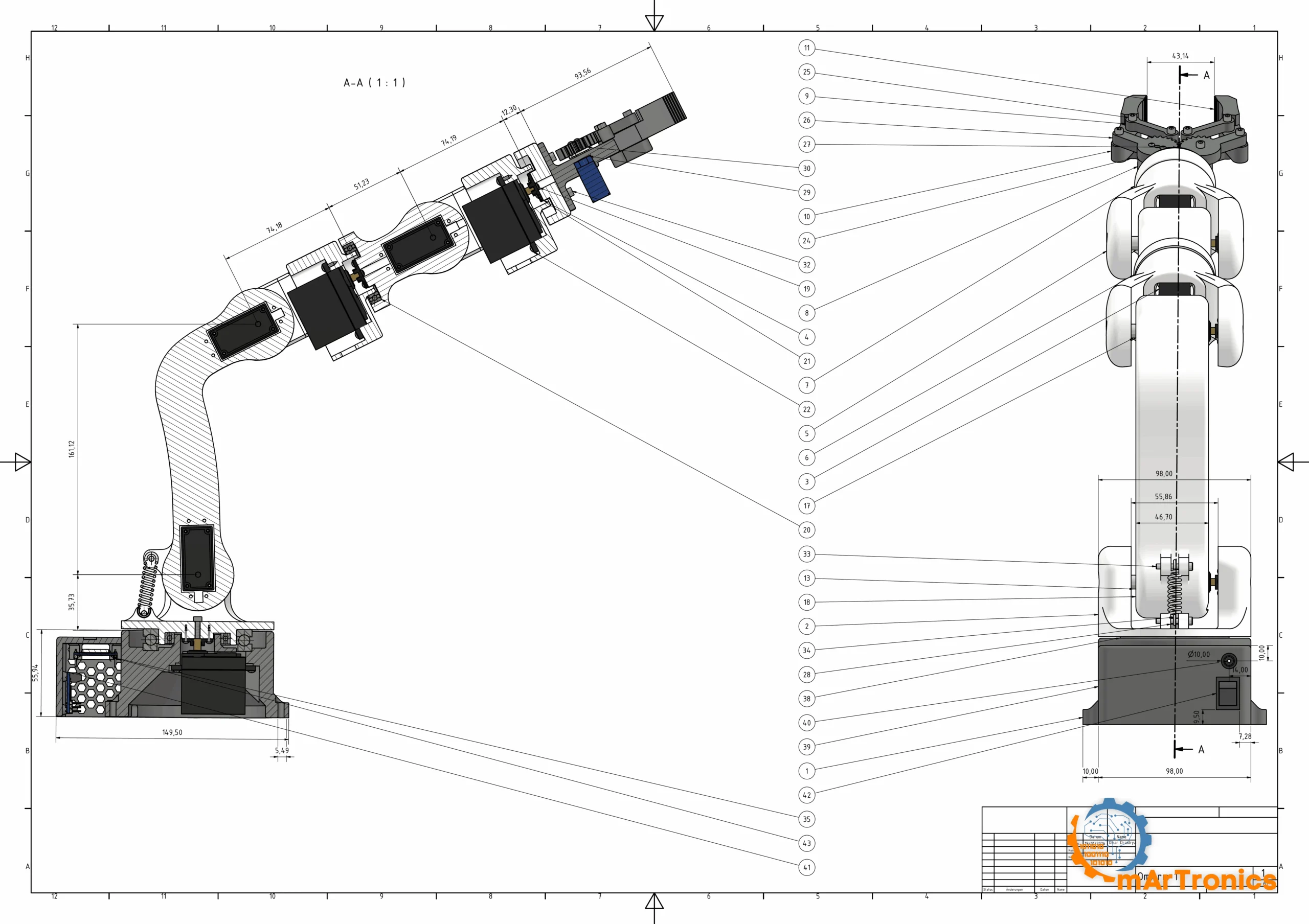
- A1 assembly drawing + BOM Excel – ballooned drawing; the BOM item numbers match the balloons 1:1
- Electronics – wiring diagram, Fritzing source and electronics BOM (ESP32 + PCA9685 + 6× DS3240 + SG90)
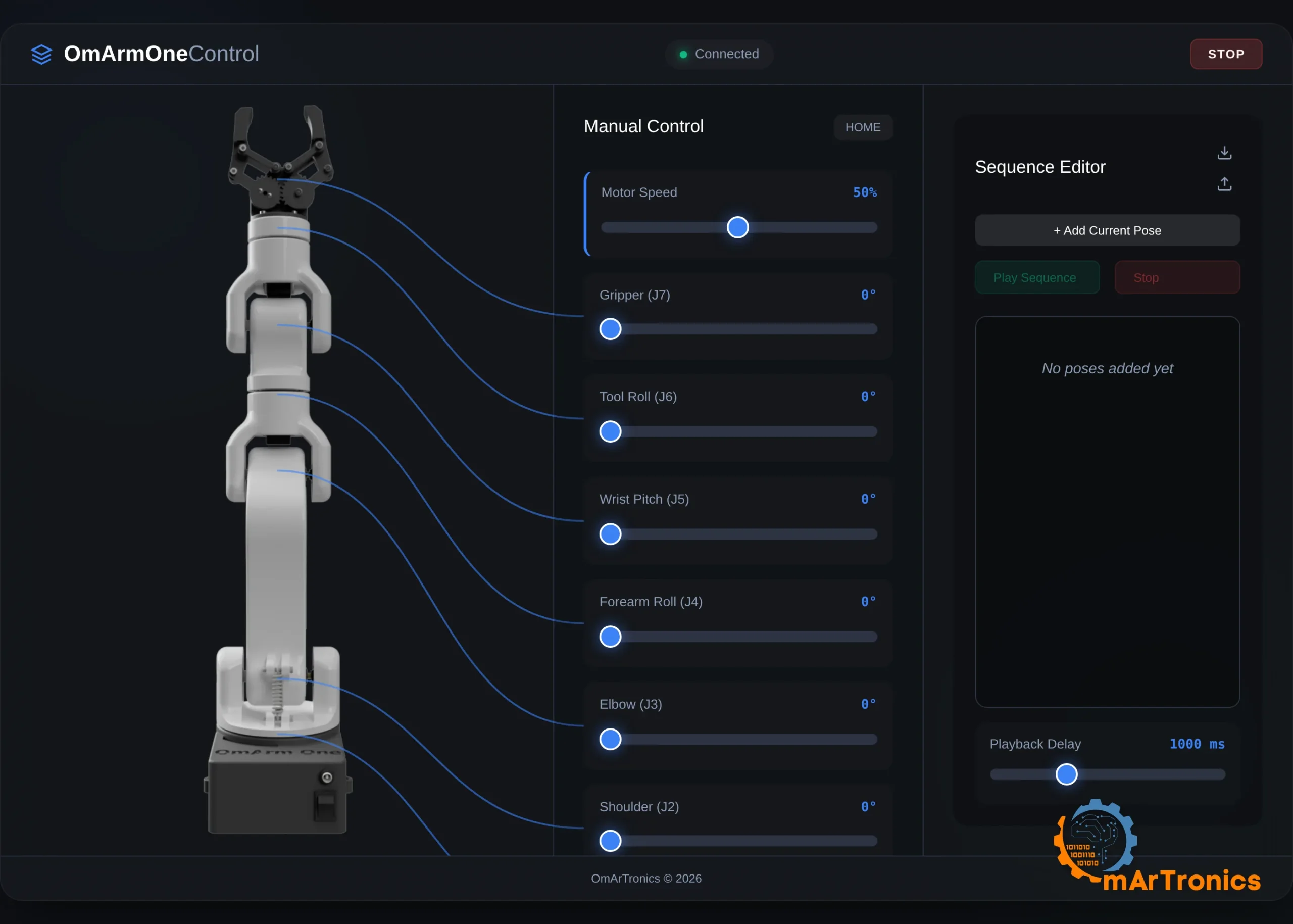
- ESP32 firmware – web-app control with quintic motion profiles, a safety layer that never moves blind after a reset, sequence editor, PWA served by the arm itself (no app, no cloud, no router)
- Unit tests – motion, command flow and servo-map tests you can run on your PC without hardware
- 90-page PDF build guide – requirements, torque analysis, bearing architecture, 16 assembly steps with images, wiring, first power-up, payload test, troubleshooting and FAQ
Part 1.5 — drive it with a game controller
- Second ESP32 firmware – Bluetooth instead of WiFi: two thumbs move six joints and the gripper, with no PC, no phone and no network in the loop. Same wiring, same electronics, no new parts.
- Velocity control that feels like a machine – dead zone, expo curve, an 80 ms filter and a fixed braking rate, so a joint physically cannot overshoot. Four speed levels plus an analog gas pedal on the trigger.
- Pose sequence stored in flash – record up to 16 poses with one tap, play them in a loop, and they survive a power cut.
- Latching emergency stop – one button freezes the arm and only the resume button releases it. After a power cut the firmware refuses to move at all until a human confirms the position.
- Gamepad mapper tool – desktop app that shows every stick and button live, learns bindings by pressing them, and writes
gamepad_config.hinto the sketch folder for you. - Five more PC-side tests – the real firmware headers compiled with g++ and run against the motion core at the firmware’s own 100 Hz and 250 Hz rates.
- 35-page PDF gamepad guide – which controllers work and which cannot, pairing a DualShock 3 step by step, the full control map, the speed model, the safety layer, a bench checklist, troubleshooting and FAQ.
Works with the PlayStation 3 DualShock 3, DualShock 4, DualSense, Xbox One S / Series, Nintendo Switch Pro and most third-party pads. A classic ESP32 (WROOM or WROVER, the one in the Part 1 electronics) is required.
Specifications
- 6 joints + parallel-jaw gripper · 485 mm reach
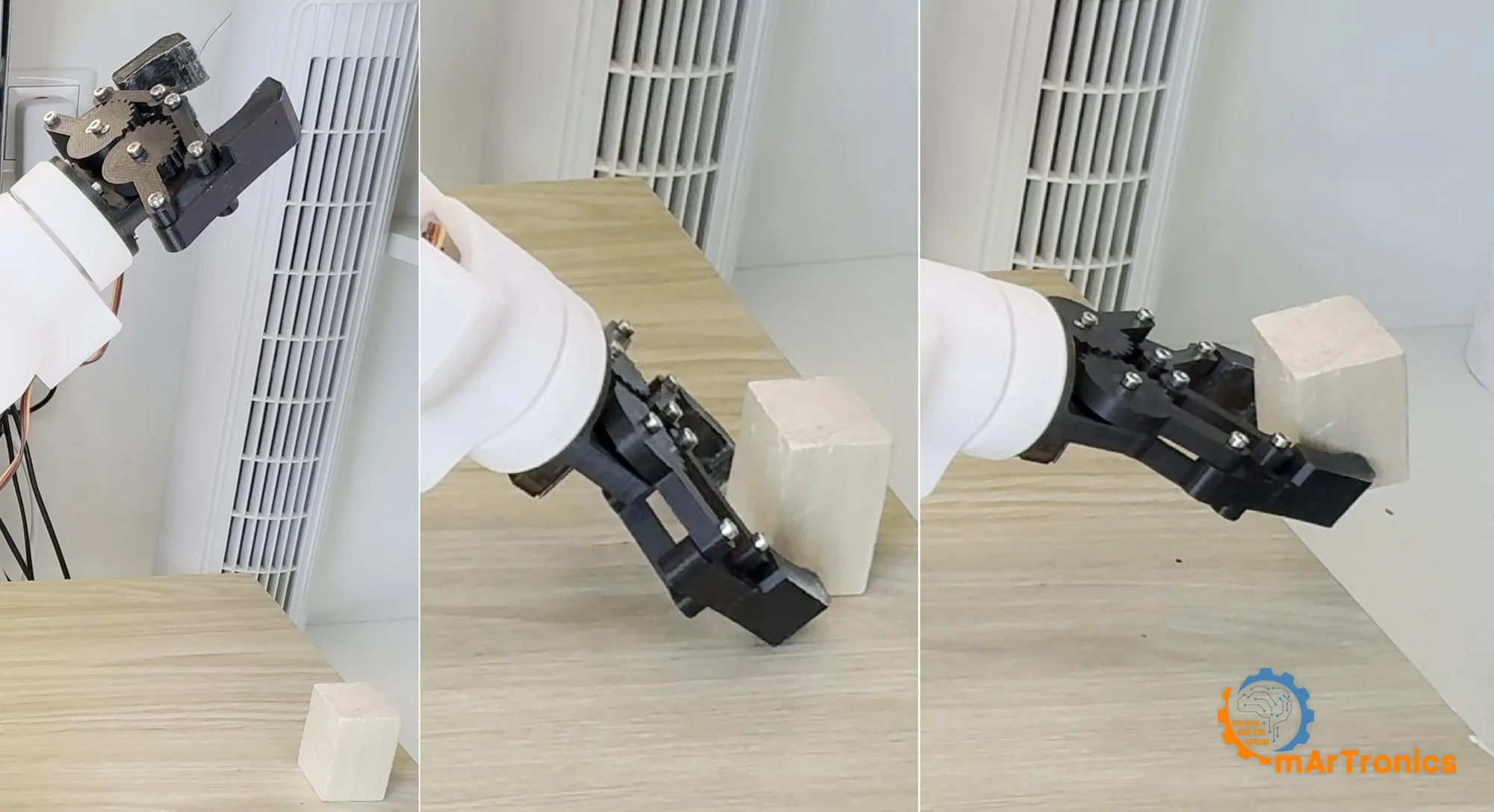
- 200 g nominal / 250 g maximum payload at a 300 mm radius (payload model at 6 V; the lifts are in the build video)
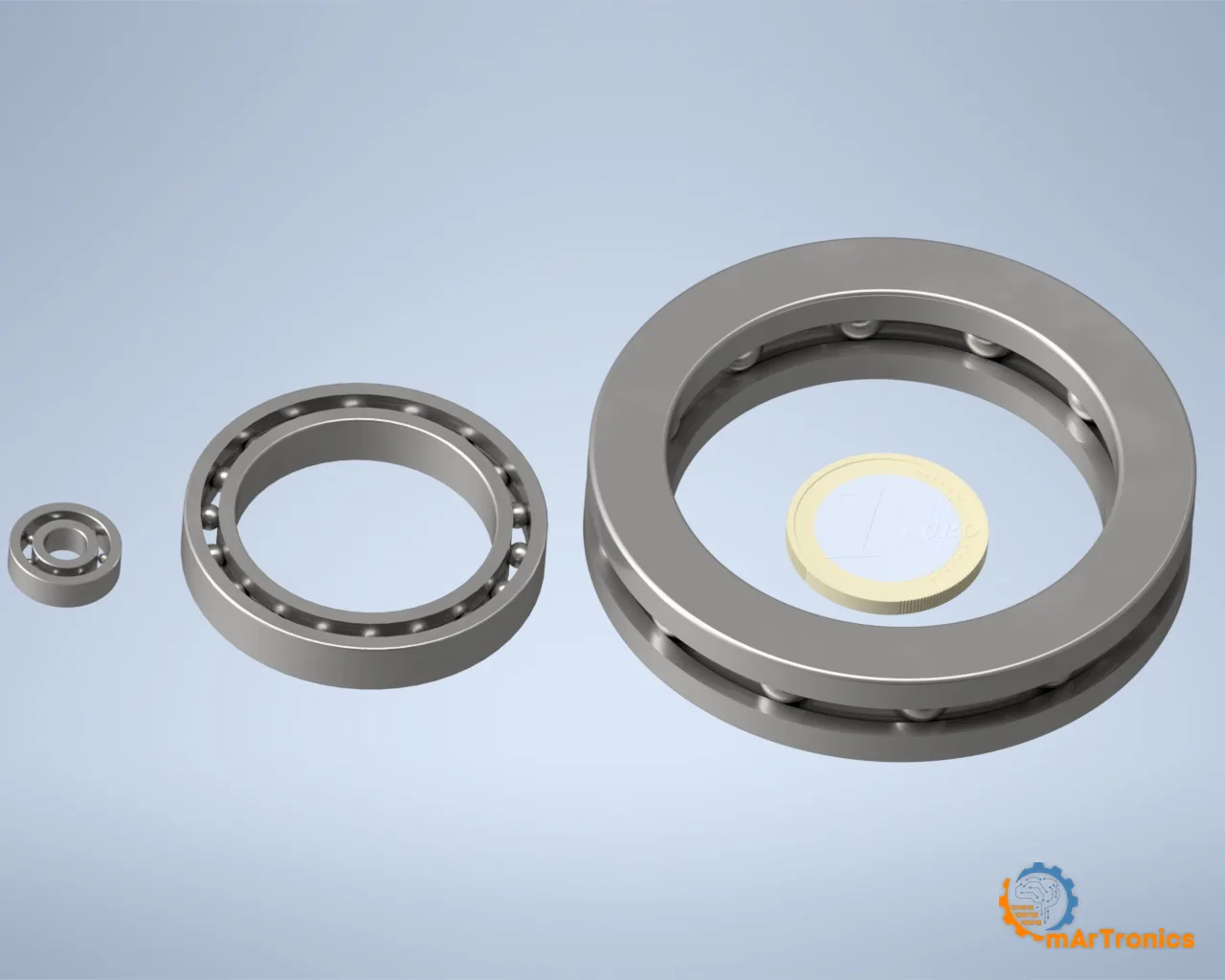
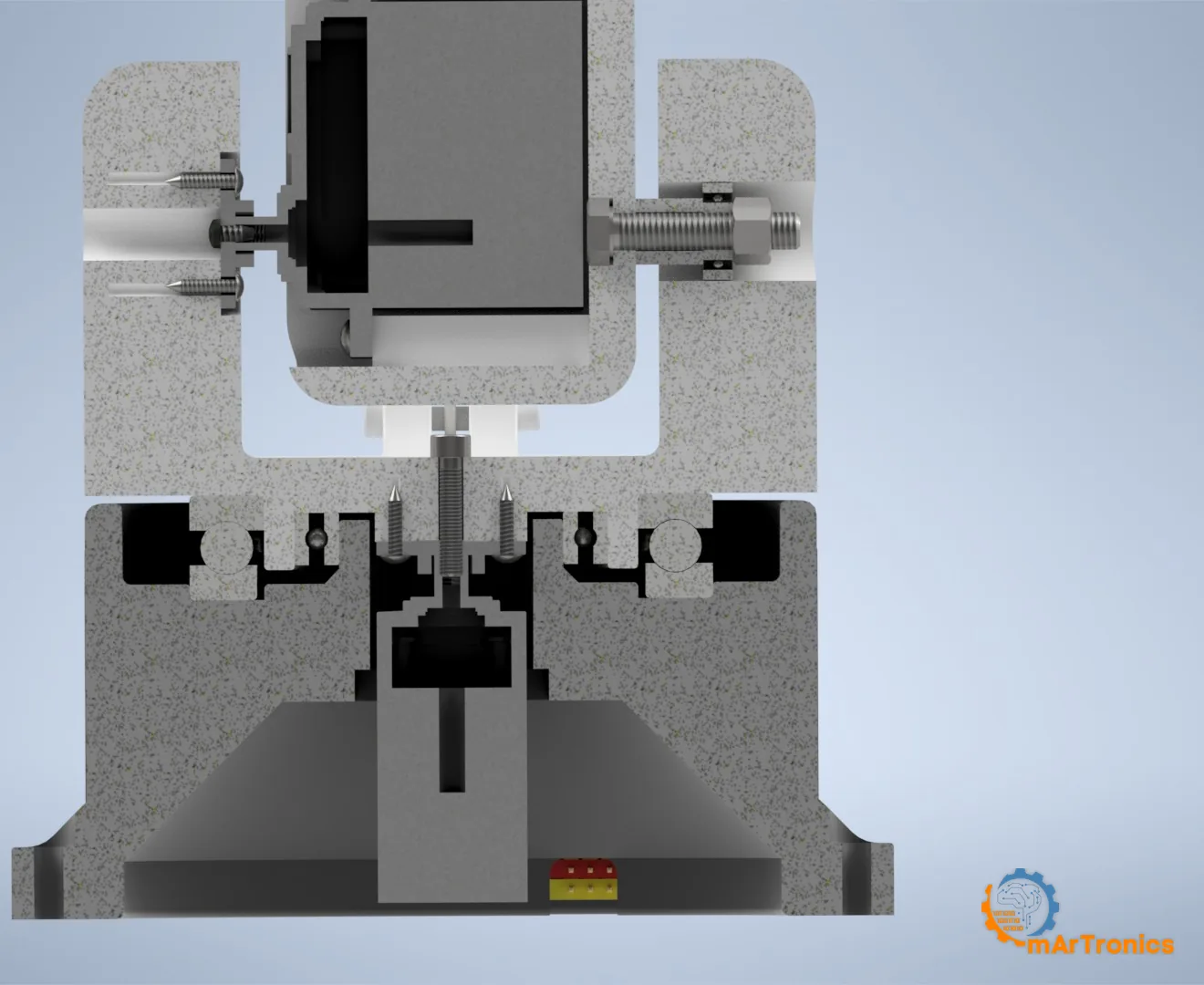
- Every loaded joint runs on steel ball bearings: 51110 thrust bearing + 6806ZZ in the base, 695ZZ at the pitch joints, 6806ZZ at the forearm roll
- 6× DSSERVO DS3240-180 (36 kg·cm @ 5 V) + 1× SG90 · ESP32 + PCA9685 @ 250 Hz
Watch and read first
- Part 2 is out: the digital twin video and the written guide, showing the arm as a URDF model in RViz and Gazebo
- Game controller video (Part 1.5): YouTube – OmArm One Part 1.5
- Game controller guide (Part 1.5): the blog post
- Build video: YouTube – OmArm One Part 1
- Source code and analysis script (MIT): GitHub – OmArTronics/OmArm-One
- Full written guide: the blog post (free, with every calculation derived)
This package covers Parts 1 and 1.5 of a 5-part series — Part 2 gives the arm a digital twin in ROS 2, Part 3 adds MoveIt 2 motion planning, Part 4 computer vision, Part 5 marker-free grasping.
License
Firmware, tests and tools: MIT. Wiring diagrams: CC BY-SA 3.0 (Fritzing part graphics). CAD, STL, 3MF, drawings, BOM and guides: personal, non-commercial use only; you may print, build and modify them for your own projects, but redistribution, resale or sharing of the files (original or modified) is not permitted.
Only logged in customers who have purchased this product may leave a review.
Related products
-
OmArm Zero: ROS 2 Workspace for the 6-DOF (5+1 Gripper) Arm – URDF, MoveIt 2, Computer Vision, PDF Guides & Slides (Parts 2-4)
29,00 € Add to cart -
Launch price
OmObiArm: Mobile Robot Arm with Arduino & Bluetooth – 3D Print and CAD Files (STL + STP)
7,90 €Launch price until 30 Nov 2026, then 19,90 € Add to cart -
Launch price
6-DOF Robotic Arm with Bluetooth (HC-05) – 3D Print and CAD Files (STL + STP)
4,90 €Launch price until 30 Nov 2026, then 14,90 € Add to cart -
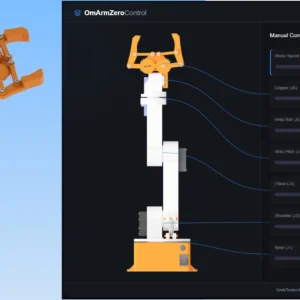
OmArm Zero: 6-DOF (5+1 Gripper) ESP32 Robotic Arm – CAD Files, Firmware, Presentation & Build Guide
14,90 € Add to cart
Reviews
There are no reviews yet.